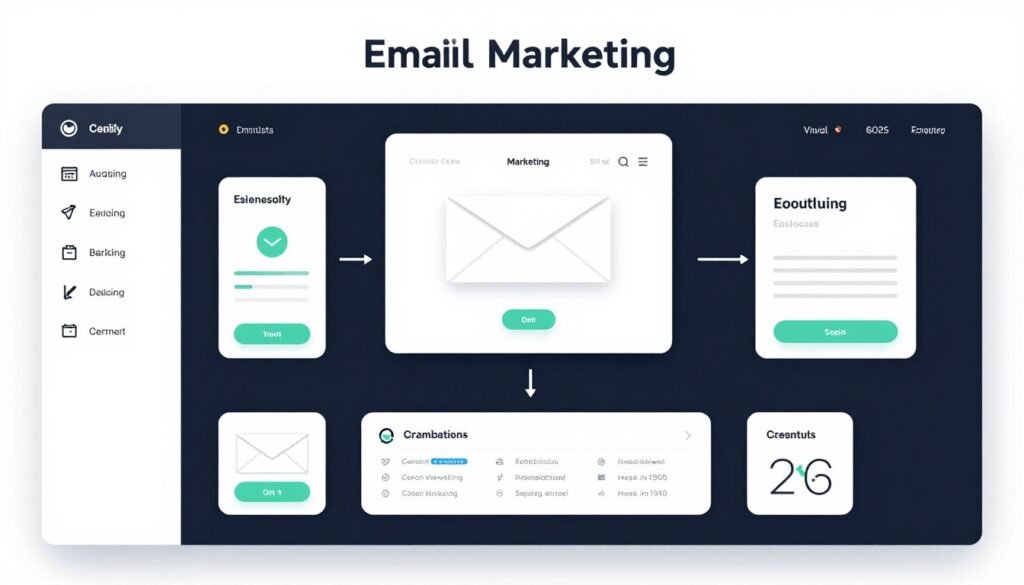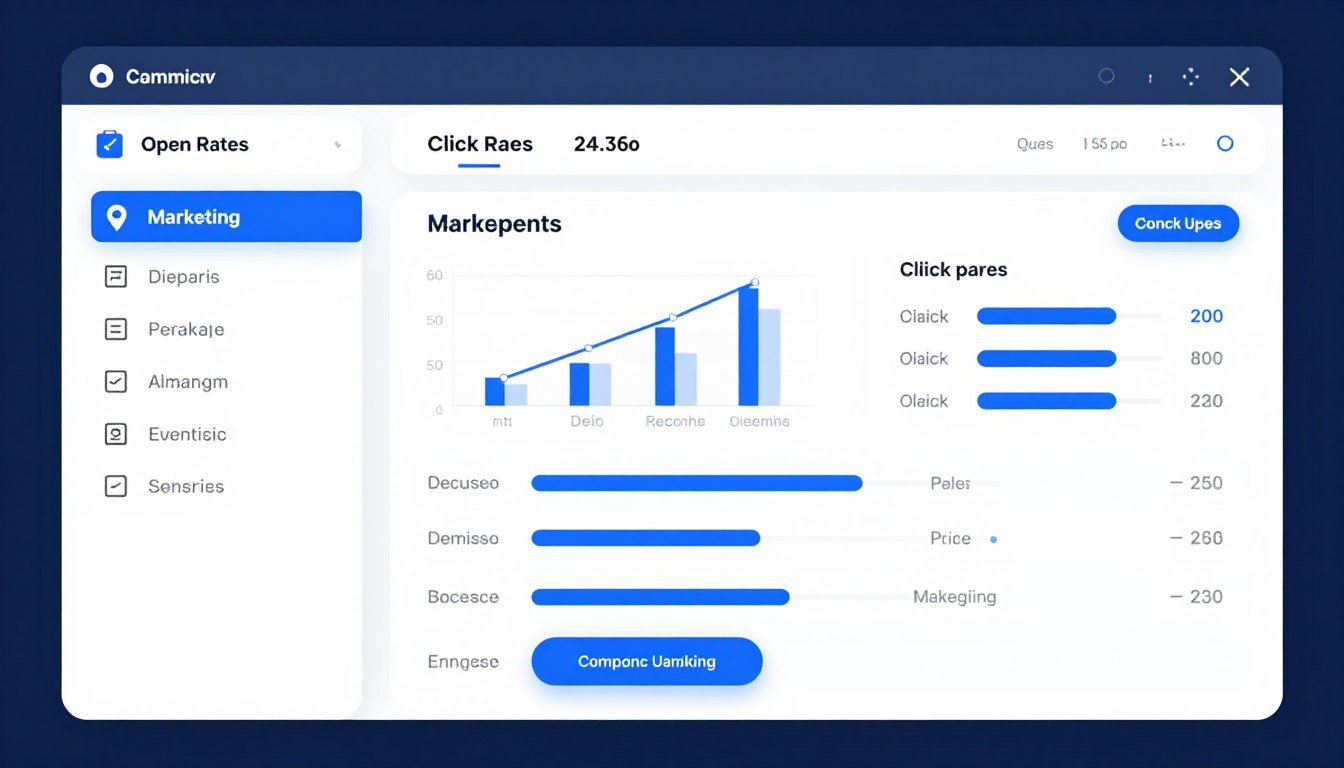
KlickTipp offers a comprehensive solution designed specifically for knowledge entrepreneurs, coaches, consultants, and small to medium businesses. This platform combines email newsletter capabilities, SMS marketing, and advanced marketing automation in a single GDPR-compliant system.
What sets KlickTipp apart is its focus on the German-speaking market with servers located in Germany, ensuring complete data protection compliance. The platform boasts industry-leading email deliverability rates of 99.78%, meaning your carefully crafted messages actually reach your audience’s inboxes rather than spam folders.
Start Your Free 30-Day Trial Today
Experience the power of KlickTipp with no credit card required. Test all features risk-free with our 30-day money-back guarantee. Join 1,633+ satisfied customers who trust KlickTipp for their email marketing success.
What Is KlickTipp and Who Should Use It?
KlickTipp is a comprehensive email marketing and automation platform developed specifically for the German-speaking market. The tool combines newsletter creation, marketing automation, SMS campaigns, and customer relationship management (CRM) functionality into one integrated system.
Unlike generic email marketing tools, KlickTipp was built with GDPR compliance at its core. All data processing occurs on servers located in Germany, making it particularly attractive for businesses that must adhere to strict European data protection regulations.
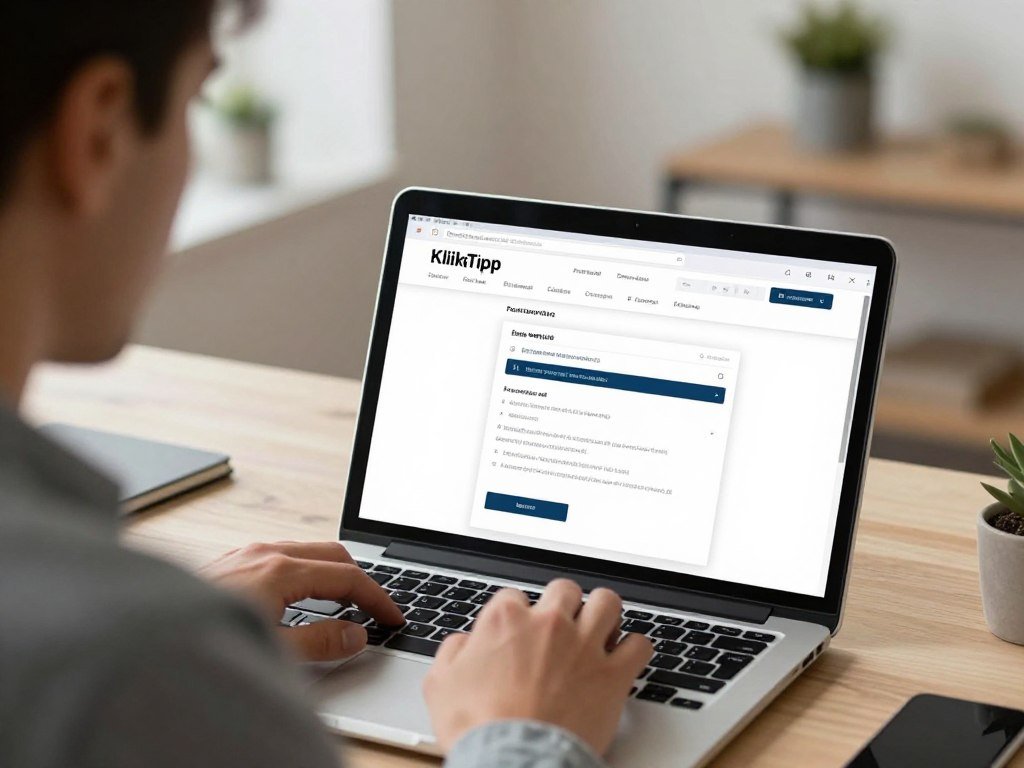
Ideal Users for KlickTipp
KlickTipp serves several distinct user groups particularly well:
Knowledge Entrepreneurs
Coaches, trainers, and consultants who sell their expertise through online courses, webinars, and digital products benefit from KlickTipp’s automated funnel capabilities.
- Automated course delivery sequences
- Webinar registration and reminder campaigns
- Lead nurturing for high-ticket services
- Client onboarding automation
Small to Medium Businesses
Companies that want to build direct relationships with customers rather than relying solely on social media platforms find KlickTipp’s CRM features invaluable.
- Customer segmentation and tagging
- Behavior-triggered campaigns
- Purchase history tracking
- Lifecycle marketing automation
Digital Agencies
Marketing agencies managing multiple client accounts appreciate KlickTipp’s white-label capabilities and multi-account management features.
- Client account separation
- Template sharing across accounts
- Centralized reporting
- Agency partner program
E-Commerce Businesses
Online stores use KlickTipp to recover abandoned carts, send purchase confirmations, and implement post-purchase upsell sequences.
- Shopping cart integration
- Transaction-triggered emails
- Customer win-back campaigns
- Review request automation
What Makes KlickTipp Different
The platform distinguishes itself through several key characteristics that address common pain points in email marketing:
The tagging system forms the foundation of KlickTipp’s power. Unlike traditional list-based systems where contacts exist in multiple separate lists, KlickTipp uses a single contact database where each person receives tags based on their behavior and interests. This approach eliminates duplicate contacts and ensures consistent communication.
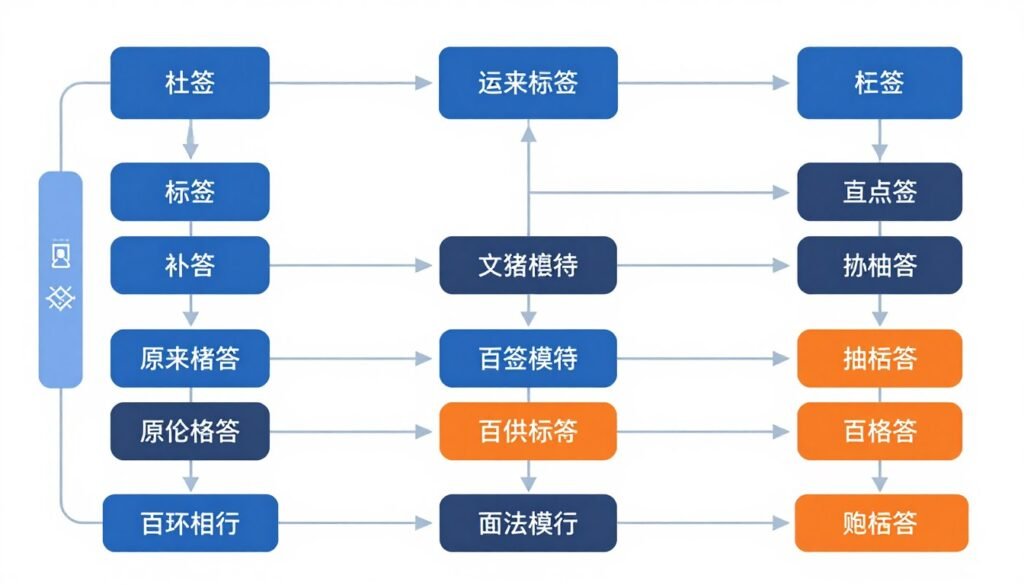
The platform includes artificial intelligence features that enhance campaign effectiveness. The SmartEnrichment function automatically gathers additional information about contacts, while the AI Copywriter generates subject lines and email content optimized for higher open and click rates.
German support represents another differentiator. The KlickTipp team provides customer service in German via email and phone, along with daily live training sessions on Zoom. This level of support proves particularly valuable for users who are new to marketing automation or switching from another platform.
Core Features and Capabilities of KlickTipp
KlickTipp provides an extensive feature set designed to cover the complete marketing automation lifecycle. Understanding these capabilities helps businesses determine whether the platform matches their specific needs.
Email Marketing and Newsletter Creation
The email builder forms the foundation of KlickTipp’s functionality. Users can create professional-looking newsletters without any coding knowledge through an intuitive drag-and-drop interface.
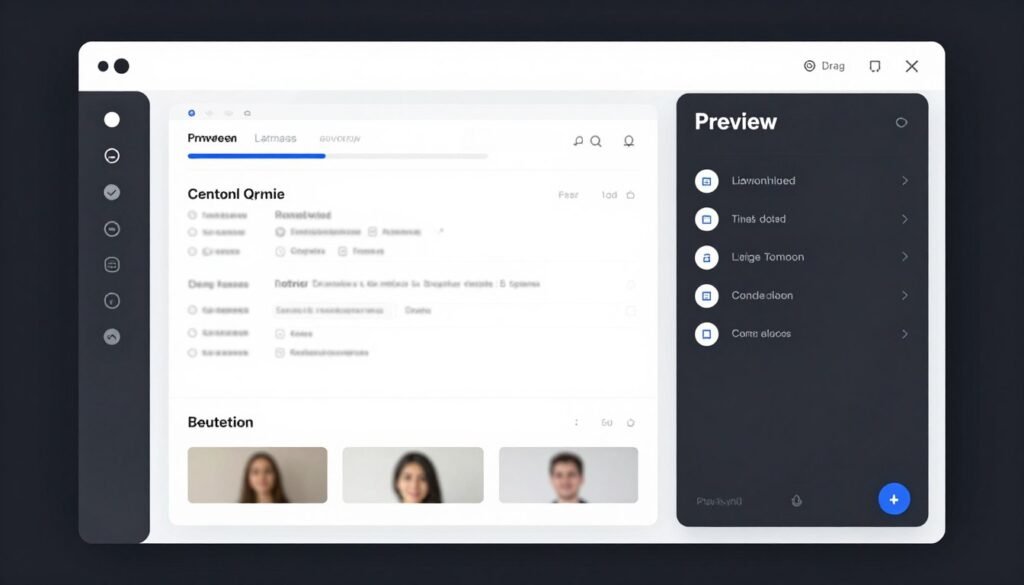
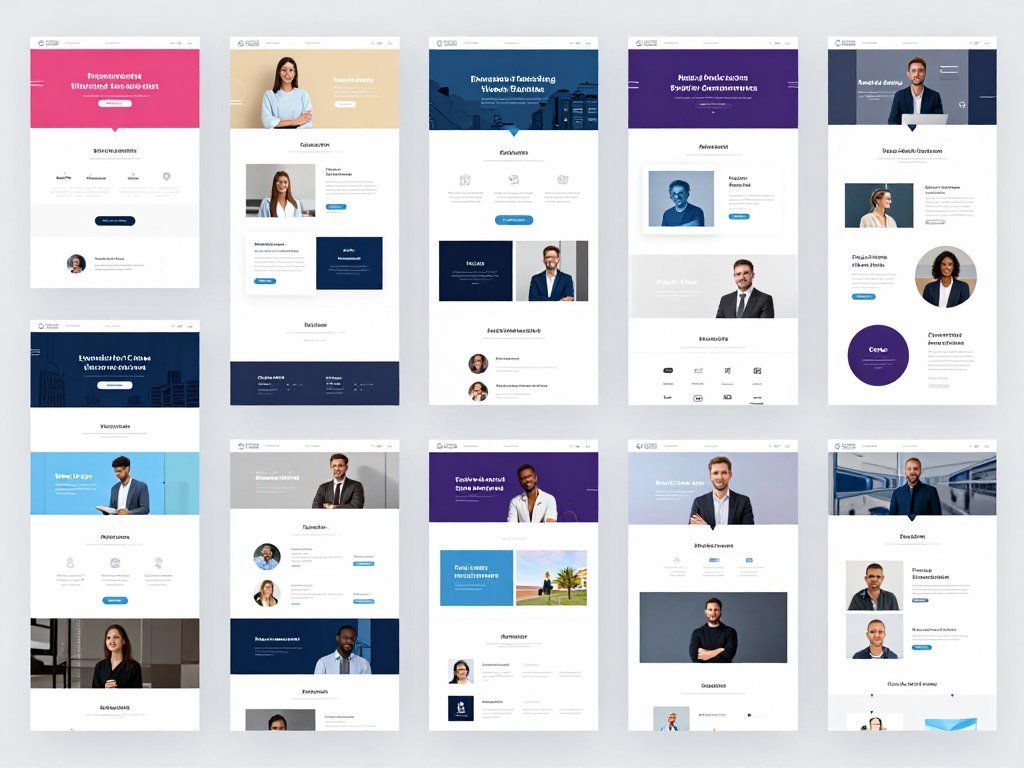
The system includes over 1,621 pre-designed email templates covering various industries and use cases. These templates are fully customizable, allowing businesses to maintain brand consistency while saving time on design work.
Dynamic content capabilities enable personalization beyond simple name insertion. Emails can display different content blocks based on recipient tags, location, purchase history, or any other data point stored in the contact record. This level of personalization significantly increases engagement rates.
Email Builder Features
- 1,621 professional email templates
- Drag-and-drop content editor
- Dynamic content blocks
- Mobile-responsive design
- Custom HTML editing option
- Image library and editor
- A/B testing functionality
- Spam score checking
- Preview across email clients
- Send time optimization
Marketing Automation and Workflows
Automation transforms one-time manual tasks into repeatable systems that run continuously. KlickTipp’s automation engine allows businesses to create sophisticated multi-step campaigns triggered by virtually any action or condition.
The visual campaign builder displays automation workflows as flowcharts, making complex sequences easy to understand and modify. Users can set up conditional logic, time delays, goal tracking, and multiple paths based on recipient behavior.
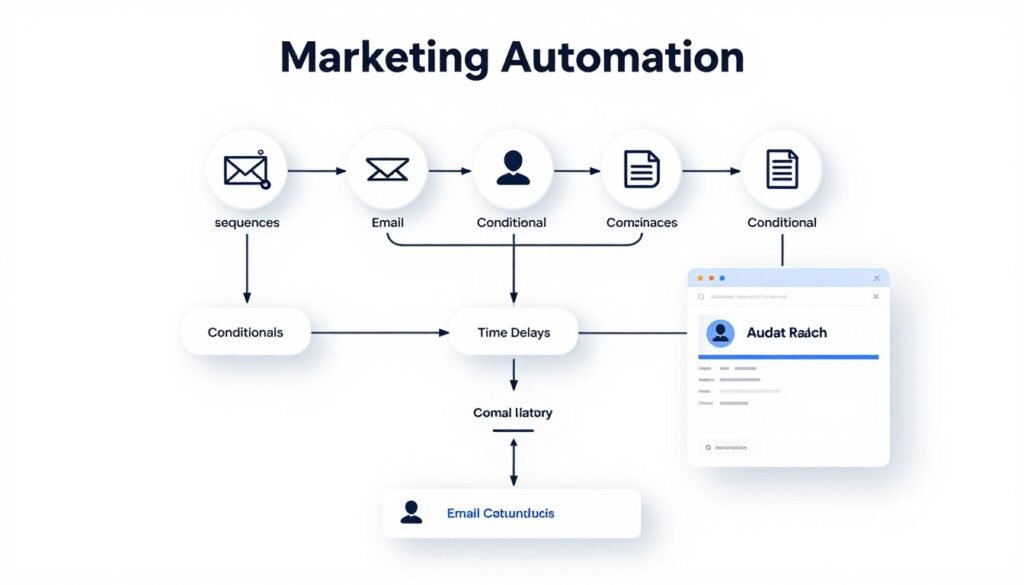
Common automation scenarios include welcome sequences for new subscribers, product launch campaigns, webinar registration and follow-up sequences, abandoned cart recovery, post-purchase onboarding, and re-engagement campaigns for inactive contacts.
KlickTipp supports triggered automation based on dozens of conditions including email opens and clicks, website visits to specific pages, form submissions, tag additions or removals, purchase events, date-based triggers like birthdays, and custom API events from external systems.
Lead Generation Tools
Building an email list requires effective lead capture mechanisms. KlickTipp provides multiple tools to convert website visitors into subscribers.
Landing Page Builder
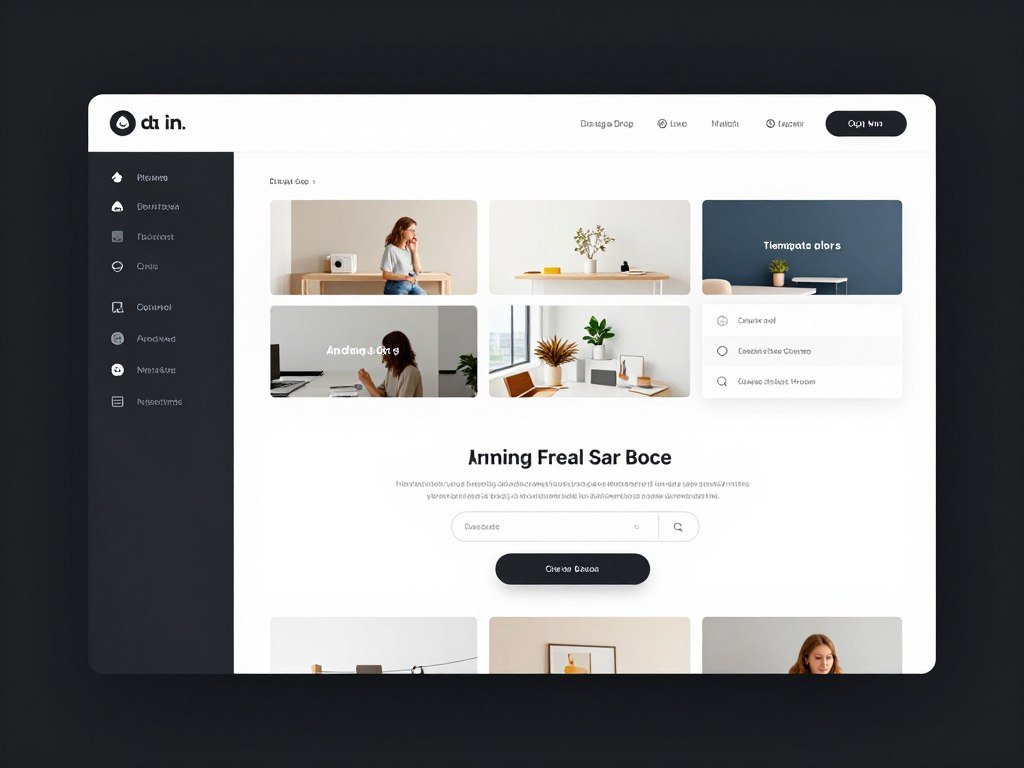
Create dedicated opt-in pages without needing a separate website builder. The system includes 425 conversion-optimized templates for various purposes including lead magnets, webinar registrations, product launches, and event sign-ups.
Form Builder
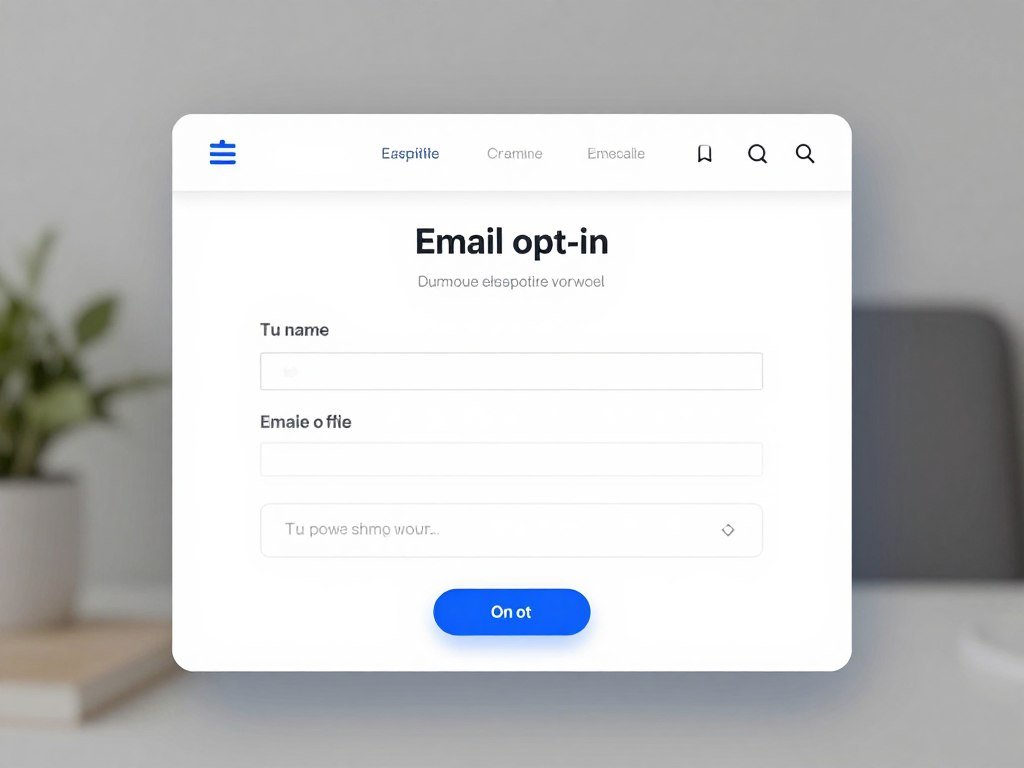
Design embedded forms that integrate seamlessly with existing websites. Forms can be customized to match brand colors and styles, with support for multi-step forms, custom fields, and GDPR-compliant consent checkboxes.
Conversion Boosters
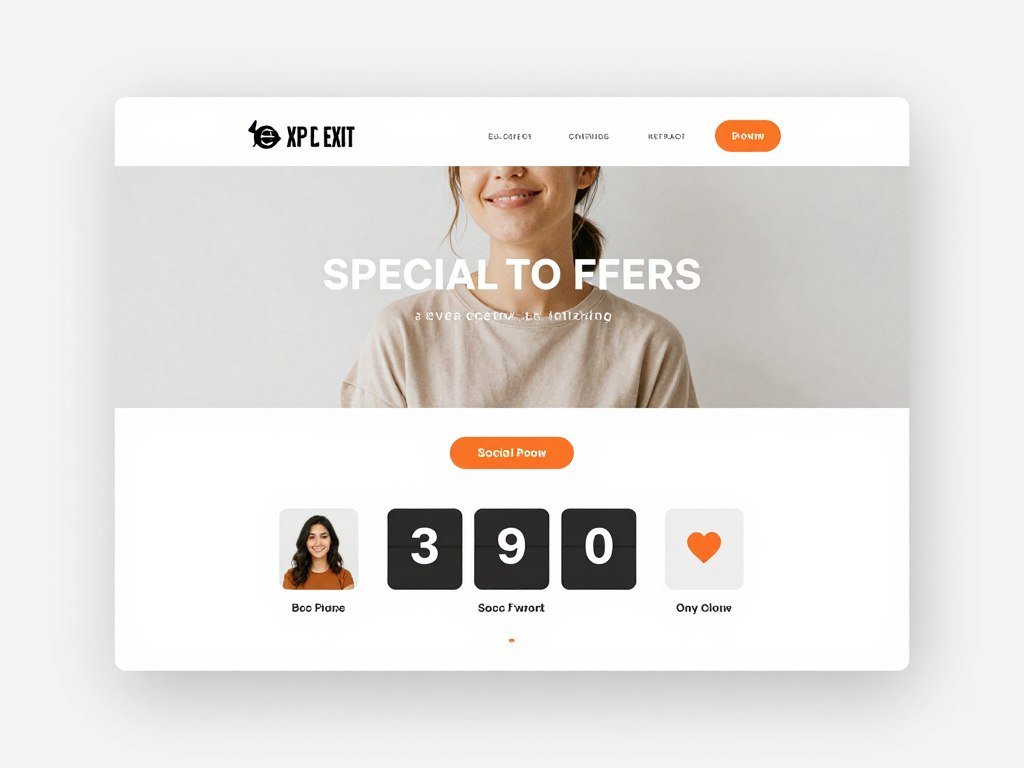
Increase conversion rates with exit-intent popups, social proof counters showing recent sign-ups, personalized countdown timers, and A/B testing capabilities to optimize every element for maximum conversions.
Marketing CRM and Tagging System
Traditional email platforms organize contacts into separate lists, often resulting in duplicates and fragmented data. KlickTipp takes a different approach with its tag-based CRM system.
Every contact exists only once in the database. Instead of multiple list memberships, contacts receive tags that describe their interests, behaviors, and characteristics. A single person might have tags like “downloaded-ebook”, “interested-in-consulting”, “attended-webinar”, and “premium-customer”.
This system provides several advantages. You never send the same message twice to the same person, even if they qualify for multiple campaigns. Segmentation becomes infinitely flexible since you can create target groups based on any combination of tags. Automation workflows can add or remove tags based on behavior, creating a dynamic system that responds to how contacts engage with your content.
The SmartContact AI feature automatically detects when the same person has multiple email addresses in your database and consolidates their contact records. This prevents duplicate sending and maintains accurate engagement data.
SMS Marketing Integration
Email remains powerful, but SMS messages achieve even higher open rates. KlickTipp includes SMS marketing capabilities that integrate seamlessly with email campaigns.
Text messages work particularly well for time-sensitive communications like event reminders, flash sales, appointment confirmations, and urgent announcements. The platform allows businesses to send both one-time broadcast SMS and automated text message sequences.
SMS campaigns can be triggered by the same conditions as email campaigns, creating truly omnichannel automation. For example, someone who registers for a webinar might receive a confirmation email immediately, a reminder email 24 hours before, and an SMS text message 1 hour before the event starts.
SMS Marketing Best Practices: Text messages should be concise and valuable. Use SMS for high-priority communications rather than general promotional content. Always provide an easy opt-out mechanism to comply with regulations and maintain trust.
AI-Powered Features
KlickTipp incorporates artificial intelligence in several areas to improve campaign performance and reduce manual work.
The AI Copywriter generates subject lines and email content based on your product, target audience, and campaign goal. The system analyzes millions of successful campaigns to suggest copy variations that historically achieve higher open and click rates.
SmartEnrichment automatically gathers additional information about contacts from public sources. When someone joins your list, the system can append data like company name, job title, industry, social media profiles, and more. This enriched data enables better segmentation and personalization without requiring contacts to fill out lengthy forms.
The YouTube Ideas Generator helps content creators develop video topics that align with their email marketing strategy. The tool analyzes your existing content and audience interests to suggest video concepts that will resonate with subscribers.
Experience KlickTipp’s AI Features Yourself
See how artificial intelligence can transform your email marketing effectiveness. Try the AI Copywriter, SmartEnrichment, and all premium features during your risk-free 30-day trial.
Industry-Leading Email Deliverability
Creating brilliant email campaigns means nothing if those messages never reach recipient inboxes. Email deliverability represents one of the most critical yet often overlooked aspects of email marketing success.
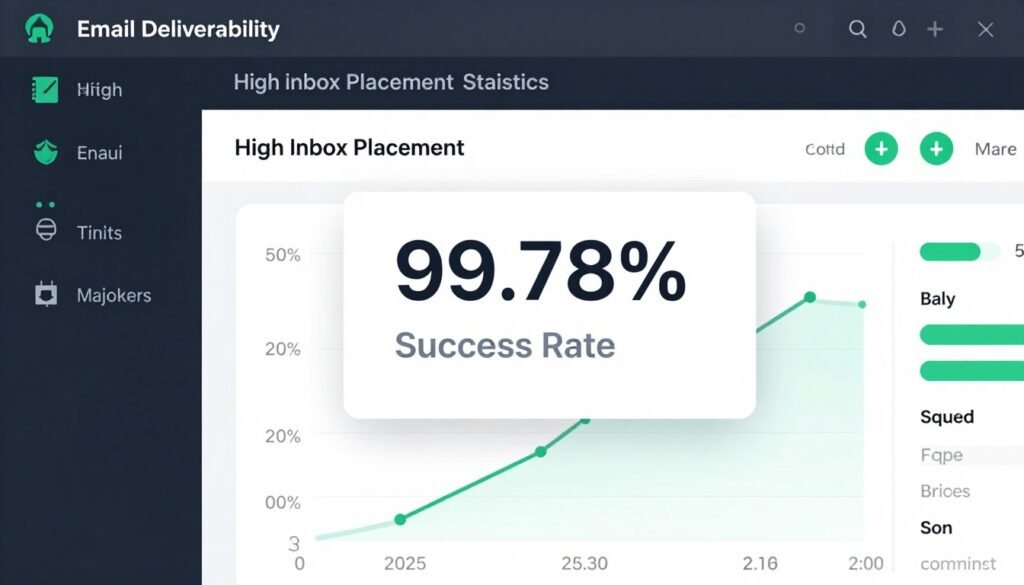
KlickTipp achieved recognition as the testing winner for email deliverability, earning the distinction “Best Email Deliverability” in independent studies. The platform consistently achieves inbox placement rates of 99.78%, meaning virtually every sent email reaches its intended destination.
Technical Infrastructure
Several technical factors contribute to KlickTipp’s exceptional deliverability rates:
Mail servers are located in Germany and maintained to the highest standards. These servers have established excellent sender reputations with major email providers like Gmail, Outlook, and Yahoo.
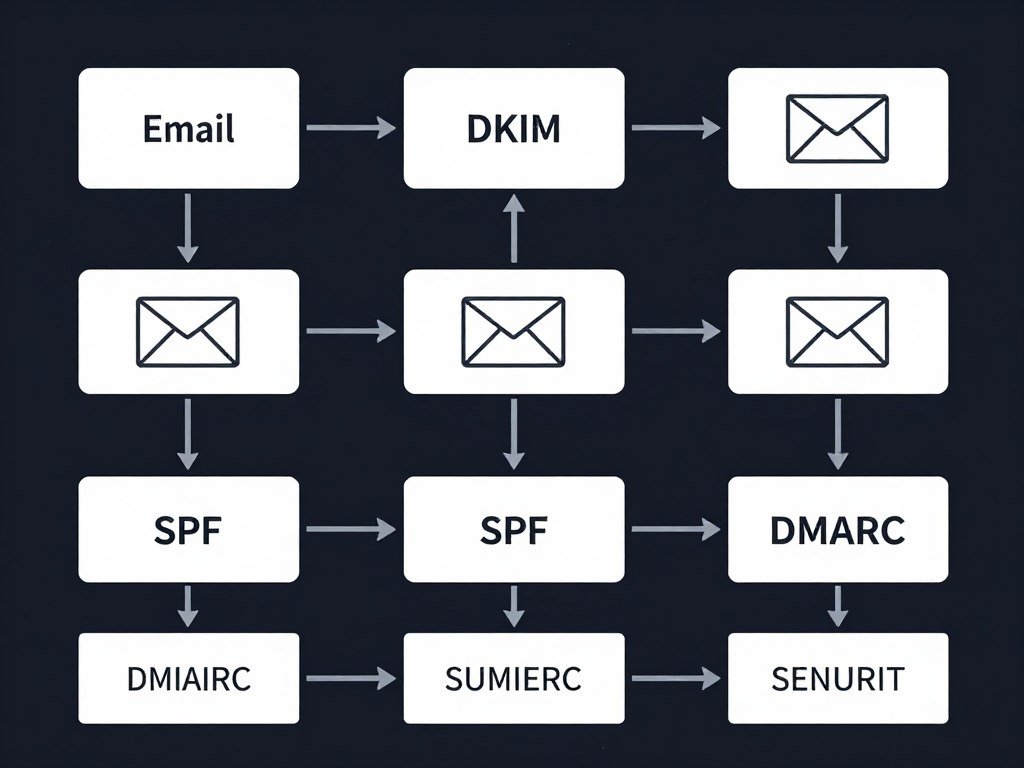
Modern email authentication protocols are fully implemented. KlickTipp configures DKIM (DomainKeys Identified Mail), SPF (Sender Policy Framework), and DMARC (Domain-based Message Authentication) for every account. These protocols verify that emails genuinely come from the stated sender, reducing the likelihood of spam classification.
Dedicated IP addresses are available for high-volume senders. While shared IP addresses work well for most users, businesses sending large volumes benefit from dedicated IPs that isolate their sender reputation from other users.
Sender Reputation Management
KlickTipp actively manages factors that influence sender reputation:
Automated list hygiene removes invalid email addresses, inactive contacts, and known spam traps. The system automatically suppresses addresses that hard bounce and monitors engagement metrics to identify potential deliverability issues.
Engagement-based sending prioritizes active subscribers. The platform tracks which contacts regularly open and click emails, sending to the most engaged recipients first. This pattern signals to email providers that recipients want your messages.
Content scanning checks each campaign before sending to identify elements that commonly trigger spam filters. The system alerts users to problematic content and suggests improvements.
Deliverability Advantages
- 99.78% inbox placement rate
- German mail servers with excellent reputation
- Full DKIM, SPF, DMARC implementation
- Automatic list cleaning
- Dedicated IP option available
- Real-time deliverability monitoring
- Whitelist relationships with major providers
Deliverability Considerations
- High deliverability requires proper setup
- Domain authentication needs technical steps
- New accounts undergo warm-up period
- Very high volume may need dedicated IP
Deliverability Monitoring and Reporting
The platform provides detailed delivery reports showing exactly what happened to each sent email. Reports break down results into categories like delivered, opened, clicked, bounced (with hard bounce vs. soft bounce), unsubscribed, and marked as spam.
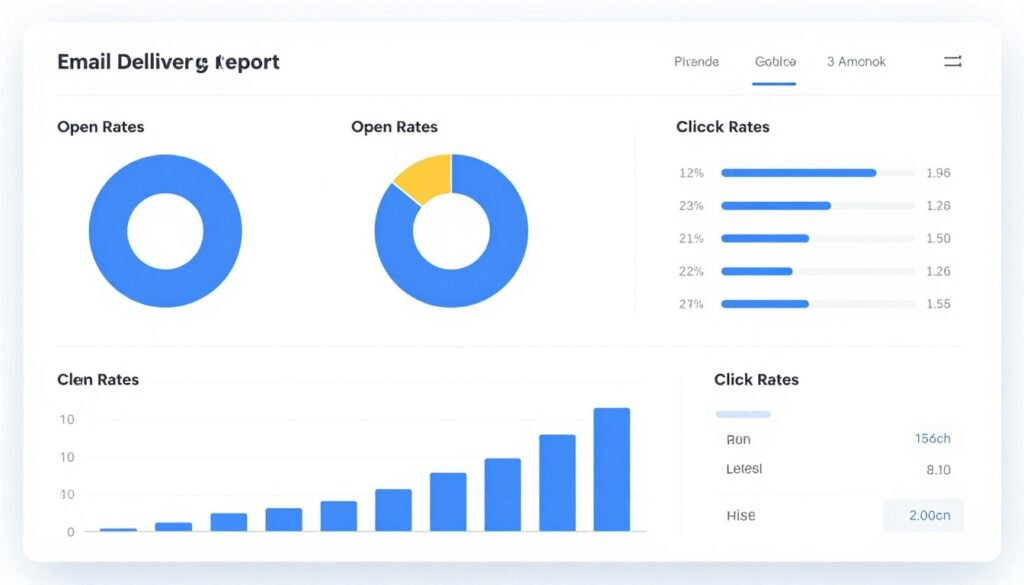
These insights help identify deliverability problems early. A sudden increase in bounce rates might indicate a compromised list source. Low open rates for a specific email provider suggest potential spam folder placement with that provider.
KlickTipp also monitors its overall sender score across the platform and proactively addresses any factors that might harm deliverability for all users. This collective approach to reputation management benefits everyone using the system.
GDPR Compliance and Data Protection
The General Data Protection Regulation transformed how businesses handle personal data in Europe. Non-compliance can result in severe fines up to €20 million or 4% of annual global turnover, whichever is higher.
KlickTipp was designed from the ground up with GDPR compliance as a core feature rather than an afterthought. This focus makes it particularly attractive for businesses operating in or marketing to European audiences.
Data Processing in the EU
All data processing occurs exclusively on servers located in Germany. This means personal data never leaves European jurisdiction, satisfying one of GDPR’s key requirements. German data centers operate under some of the world’s strictest data protection laws.
The physical server location matters because it determines which legal framework governs data processing. By keeping everything within Germany, KlickTipp ensures that even in unlikely scenarios involving government data requests or legal proceedings, European privacy protections remain in effect.
Included Legal Documents
GDPR compliance requires specific legal agreements and policies. KlickTipp provides these documents ready-to-use:
The Data Processing Agreement (Auftragsverarbeitungsvereinbarung or AVV) is included free of charge. This legally required contract between data controllers (your business) and data processors (KlickTipp) specifies exactly how personal data will be handled. Many competing platforms charge extra for this essential document.
Privacy policy templates and text blocks help businesses create compliant privacy pages. These templates are written by data protection lawyers and updated whenever regulations change.
A verified seal can be displayed on websites to demonstrate data protection compliance, building trust with potential subscribers concerned about how their information will be used.
Consent Management
GDPR requires clear, informed consent before processing personal data. KlickTipp’s form builder includes built-in consent management features:
Double opt-in processes ensure subscribers genuinely want to receive emails. After initial form submission, contacts receive a confirmation email with a verification link. Only after clicking this link does the subscription become active. This process proves consent and dramatically improves list quality.
Consent tracking records exactly when and how each person gave permission, what they consented to, and which version of privacy policy was in effect. This audit trail proves compliance if questions arise.
Easy unsubscribe mechanisms appear in every email, as required by law. KlickTipp automatically processes unsubscribe requests and suppresses those contacts from future campaigns.
Legal Expertise Included: Datenschutz-Experte Rechtsanwalt Dr. iur. Stephan Gärtner confirms: “KlickTipp ist 100% DSGVO-konform.” The platform transforms GDPR from a marketing obstacle into a competitive advantage by making compliance straightforward.
Data Subject Rights
GDPR grants individuals several rights regarding their personal data. KlickTipp provides tools to fulfill these rights efficiently:
- Right to Access: Contacts can request copies of their data. The platform exports complete contact records including all tags, campaign history, and interaction data.
- Right to Rectification: Contacts can request corrections to inaccurate information. The CRM interface makes updating contact details straightforward.
- Right to Erasure: The “right to be forgotten” requires deletion of personal data upon request. KlickTipp completely removes contact records when legally required.
- Right to Data Portability: Individuals can request their data in machine-readable format. The export function provides data in standard formats like CSV and JSON.
- Right to Object: Contacts can object to specific processing activities. The tagging system makes it easy to respect these preferences.
Data Security Measures
GDPR mandates appropriate technical and organizational measures to protect personal data. KlickTipp implements multiple security layers:
All data transmission uses SSL/TLS encryption, preventing interception during transfer. Data at rest is encrypted on secure servers. Access controls limit which team members can view or modify data. Regular security audits identify and address vulnerabilities. Backup systems ensure data can be recovered in disaster scenarios.

Protect Your Business with GDPR-Compliant Marketing
Avoid costly fines and build trust with your audience. KlickTipp handles all compliance requirements automatically, letting you focus on growing your business with confidence. German servers, included AVV, and expert support ensure your marketing stays fully compliant.
Integrations and Ecosystem Connectivity
Modern businesses use dozens of different tools for various functions. An email marketing platform needs to connect seamlessly with this existing technology stack to avoid creating data silos and manual work.
KlickTipp offers over 1,009 integrations with popular business tools, covering virtually every category relevant to marketing and sales operations.
Native Integrations
Native integrations connect directly between KlickTipp and partner platforms without requiring middleware. These provide the deepest functionality and most reliable data synchronization.
Key native integration categories include:
E-Commerce Platforms
- Shopify
- WooCommerce
- Magento
- BigCommerce
- PrestaShop
These integrations sync customer data, purchase history, and cart abandonment events. Automated campaigns can target customers based on buying behavior, product interests, and lifetime value.
Payment Processors
- Digistore24
- CopeCart
- Stripe
- PayPal
- Elopage
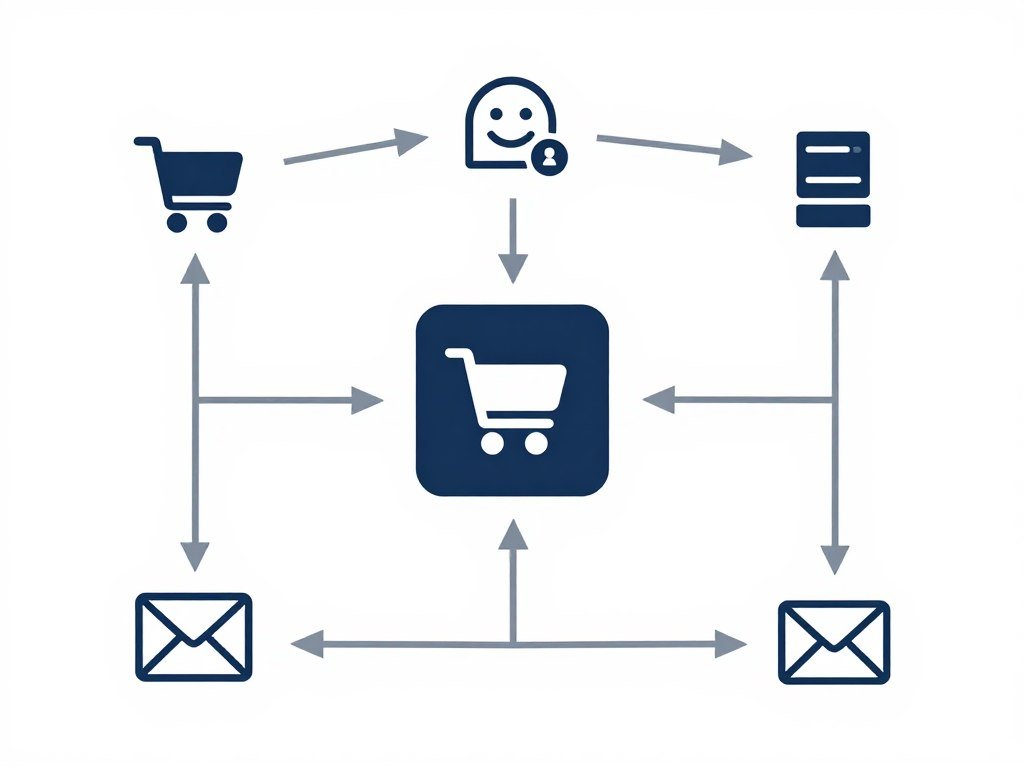
Payment integrations trigger automation based on transactions. Successful purchases add tags and start onboarding sequences. Failed payments trigger recovery campaigns.
Webinar Platforms
- Zoom
- WebinarJam
- GoToWebinar
- Demio
- EverWebinar
Webinar integrations automate the entire attendee journey from registration through follow-up. Different sequences run for attendees versus no-shows, maximizing conversion from webinar content.
Course Platforms
- Teachable
- Kajabi
- Thinkific
- Memberpress
- TutorLMS
Course platform integrations grant or revoke access based on tags, track student progress, send completion certificates, and promote advanced courses to students who finish beginner content.
Zapier and Make Integration
For tools without native integrations, KlickTipp connects through Zapier and Make (formerly Integromat). These automation platforms act as universal connectors between thousands of applications.
Zapier offers pre-built automation recipes called “Zaps” that connect KlickTipp to other tools with no coding required. Common use cases include adding new Facebook Lead Ad contacts to KlickTipp, creating Google Sheets rows when campaigns send, posting to Slack when specific tags are applied, and updating Salesforce records based on email engagement.
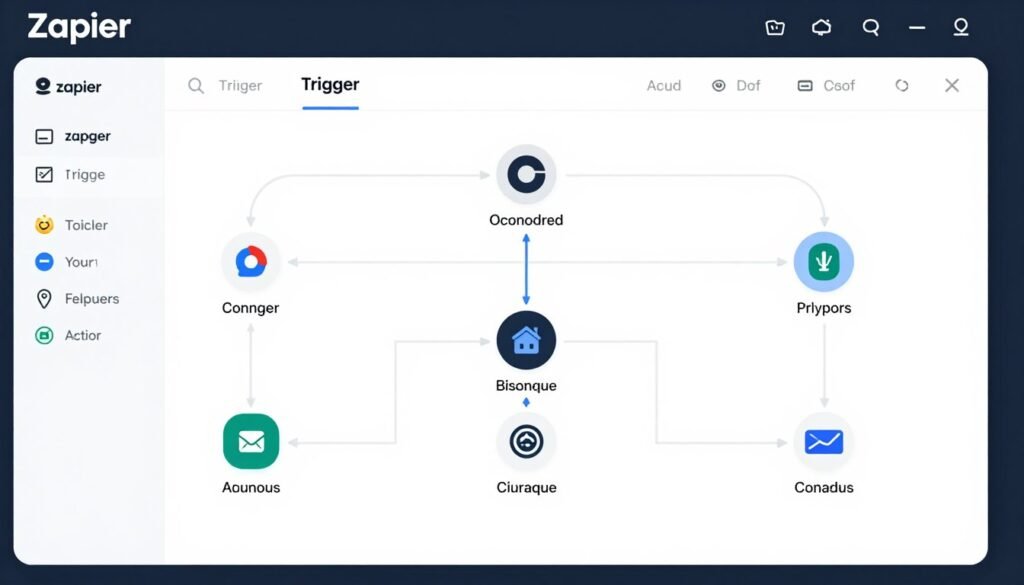
Make provides more complex automation with advanced logic, multiple paths, and data transformation. It suits scenarios requiring sophisticated workflows across numerous systems.
API Access
Developers can build custom integrations using KlickTipp’s comprehensive API. The RESTful API provides programmatic access to all major functions including contact management, tag operations, campaign sending, and data retrieval.
Custom API integration enables unique scenarios like syncing with proprietary internal systems, building mobile apps that interact with subscriber data, creating custom dashboards pulling real-time campaign metrics, and developing specialized automation based on business-specific triggers.
Complete API documentation includes code examples in multiple programming languages, making implementation straightforward for technical teams.
WordPress Plugin
The official WordPress plugin simplifies KlickTipp integration for the world’s most popular content management system. The plugin allows embedding opt-in forms anywhere on WordPress sites using shortcodes, tracking which pages subscribers visit to add behavioral tags, triggering campaigns when specific pages are viewed, and displaying personalized content based on subscriber tags.
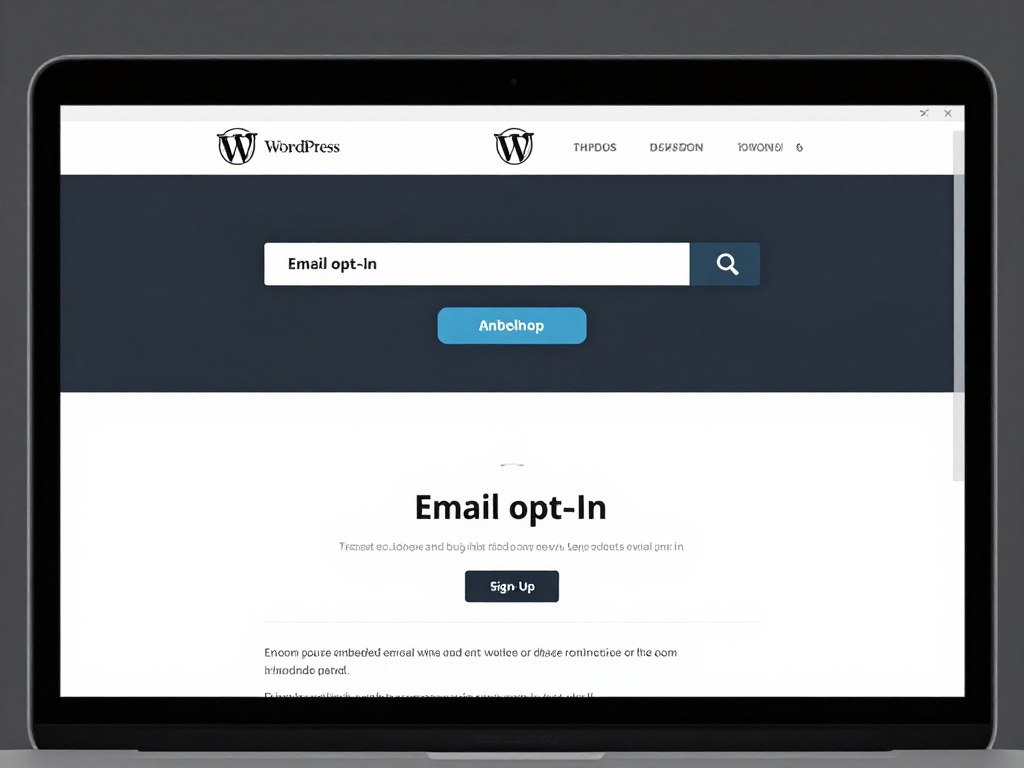
This deep WordPress integration turns websites into powerful lead generation machines that automatically segment visitors based on content consumption patterns.
Business Card Reader Pro
A unique integration worth highlighting is the Business Card Reader Pro mobile app. This tool digitizes business cards collected at trade shows, conferences, and networking events.
Users simply photograph business cards with their smartphone. Optical character recognition extracts name, email, phone, company, and other details. The contact automatically enters KlickTipp and starts a personalized follow-up sequence before the conversation ends.
This integration bridges the gap between offline networking and digital marketing automation, ensuring no valuable connection falls through the cracks.
KlickTipp Pricing and Package Options
KlickTipp offers transparent pricing based on subscriber count, with all features included in every plan. This differs from competitors who often gate advanced features behind higher-tier plans.
All packages include unlimited email sending, meaning you can communicate with your list as frequently as needed without worrying about per-email charges that add up quickly with high-volume campaigns.
Package Structure
The platform structures pricing around list size tiers. As subscriber counts grow, monthly fees increase proportionally. This makes KlickTipp affordable for small businesses just starting their email marketing journey while scaling reasonably for larger operations.
| Subscribers | Monthly Cost | Annual Savings | Key Features |
| Up to 2,500 | €47/month | €94 yearly discount | All features, unlimited emails, German support |
| Up to 5,000 | €67/month | €134 yearly discount | All features, unlimited emails, German support |
| Up to 10,000 | €97/month | €194 yearly discount | All features, unlimited emails, German support |
| Up to 25,000 | €197/month | €394 yearly discount | All features, unlimited emails, priority support |
| Up to 50,000 | €347/month | €694 yearly discount | All features, unlimited emails, priority support |
| 50,000+ | Custom pricing | Negotiable | Enterprise features, dedicated account manager |
What’s Included in Every Package
Unlike competitors who reserve advanced features for premium tiers, KlickTipp includes its complete feature set in all packages regardless of price point.
- Unlimited email sending
- Marketing automation builder
- 1,621 email templates
- 425 landing page templates
- Tag-based CRM system
- A/B testing
- Dynamic content
- Conversion optimization tools
- SMS marketing capabilities
- AI Copywriter
- SmartEnrichment
- SmartContact duplicate detection
- 1,009+ integrations
- API access
- GDPR compliance tools
- German support (email and phone)
- Daily live training sessions
- Knowledge base access
Additional Costs to Consider
While KlickTipp pricing is transparent, businesses should budget for a few additional potential costs:
SMS credits are purchased separately since text message delivery incurs per-message carrier fees. Pricing varies by destination country and volume, with bulk discounts available.
Domain costs apply if you want to use custom domains for landing pages. While KlickTipp provides free subdomains, businesses seeking professional branding typically register their own domain names.
Integration costs might arise if you use premium tiers of integration platforms like Zapier. KlickTipp itself doesn’t charge for integration usage, but middleware platforms may have their own pricing.
Design services are optional if you want custom email templates beyond the included library. KlickTipp’s certified consultant network offers design services for businesses lacking in-house design resources.
Free Trial and Money-Back Guarantee
KlickTipp removes purchase risk through generous trial terms. New users can test the platform for 30 days with full access to all features. No credit card is required to start the trial, eliminating the risk of unexpected charges.
The trial includes real sending capabilities, not just demo mode. This allows businesses to run actual campaigns and evaluate real-world performance before committing financially.
Even after purchasing, the 30-day money-back guarantee provides a safety net. If KlickTipp doesn’t meet expectations within the first month, customers receive a full refund with no questions asked. This policy demonstrates confidence in the product and reduces buyer hesitation.
Annual Billing Discount
Customers choosing annual billing receive significant discounts compared to month-to-month payment. The savings equal approximately two months free, making annual commitment attractive for businesses confident in their long-term email marketing needs.
Annual billing also locks in current pricing, protecting against potential future price increases for the duration of the subscription period.
Find Your Perfect KlickTipp Package
Choose the package that matches your current list size with the confidence that you can upgrade seamlessly as you grow. Start with a risk-free 30-day trial to experience all features before making any financial commitment.
Support, Training, and Customer Success Resources
Technical capabilities matter, but so does the ability to actually use them effectively. KlickTipp differentiates itself through comprehensive support and educational resources delivered in German.
Customer Support Channels
Multiple support channels ensure users can get help through their preferred communication method.

Email support provides detailed written assistance for complex questions. The support team typically responds within a few hours during business days, with comprehensive answers that often include screenshots and step-by-step instructions.
Phone support offers immediate assistance for urgent issues. Speaking directly with a knowledgeable support representative resolves many problems faster than email exchanges, particularly for account setup questions or technical troubleshooting.
The AI chatbot KAI (KlickTipp Artificial Intelligence) provides instant answers 24/7. The system draws from thousands of support tickets and documentation articles to answer common questions immediately, even outside business hours.
Daily Live Training Sessions
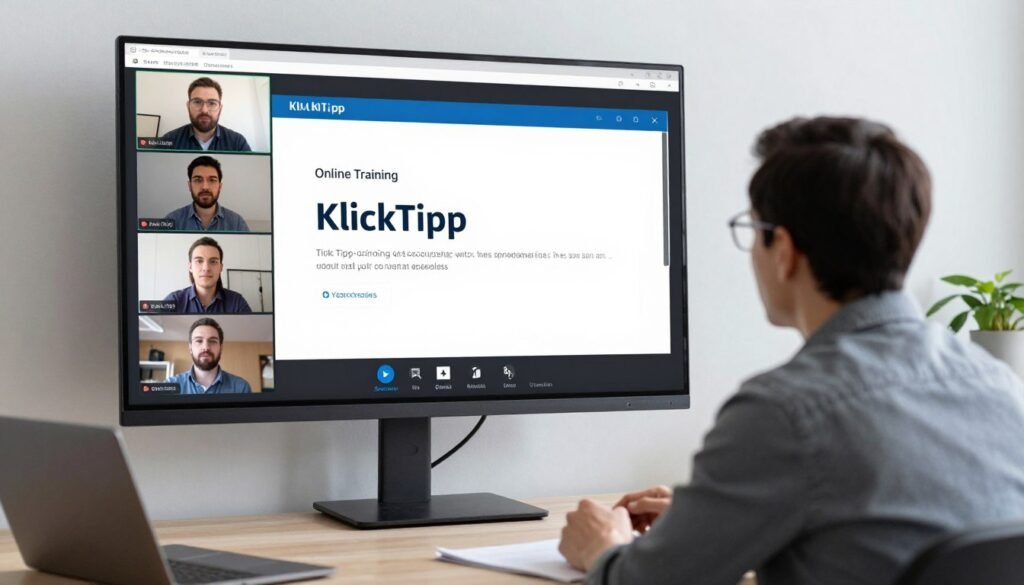
One of KlickTipp’s most distinctive offerings is daily live training via Zoom. These interactive sessions cover various topics relevant to different user stages and interests.
Beginner sessions run daily, specifically designed for new users. These trainings cover fundamental concepts like setting up your first campaign, creating opt-in forms, understanding the tagging system, and navigating the interface. Questions receive immediate answers from experienced trainers.
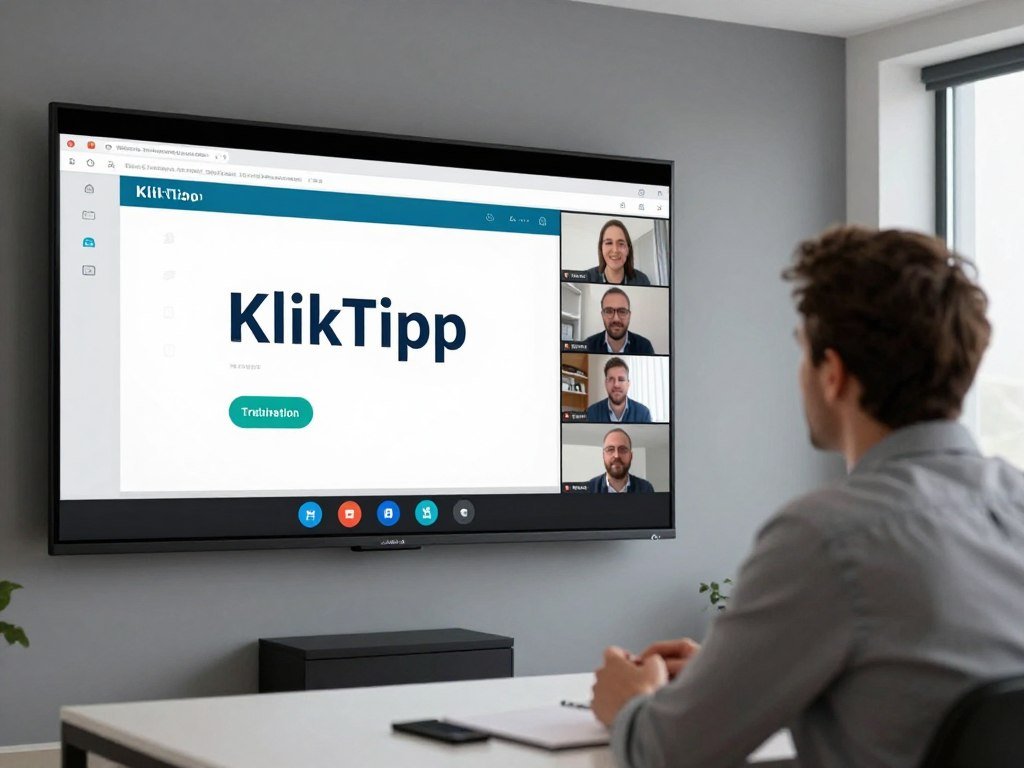
Advanced topics rotate through the schedule, addressing sophisticated use cases like complex automation workflows, integration setup with specific platforms, conversion optimization strategies, and compliance best practices.
Guest expert sessions feature successful KlickTipp users sharing their strategies. These case study presentations demonstrate real-world applications and provide inspiration for your own campaigns.
All live sessions are recorded and archived for later viewing, so users never miss valuable training even if scheduling conflicts prevent live attendance.
Knowledge Base and Documentation
The comprehensive knowledge base contains hundreds of articles covering every aspect of the platform. Content is organized by topic and searchable, making it easy to find specific information.
Step-by-step tutorials guide users through common tasks with screenshots and detailed explanations. These written guides complement video training for users who prefer reading to watching.
Video tutorials demonstrate features visually, often easier to follow than written instructions for complex tasks. The video library covers everything from basic setup to advanced automation scenarios.
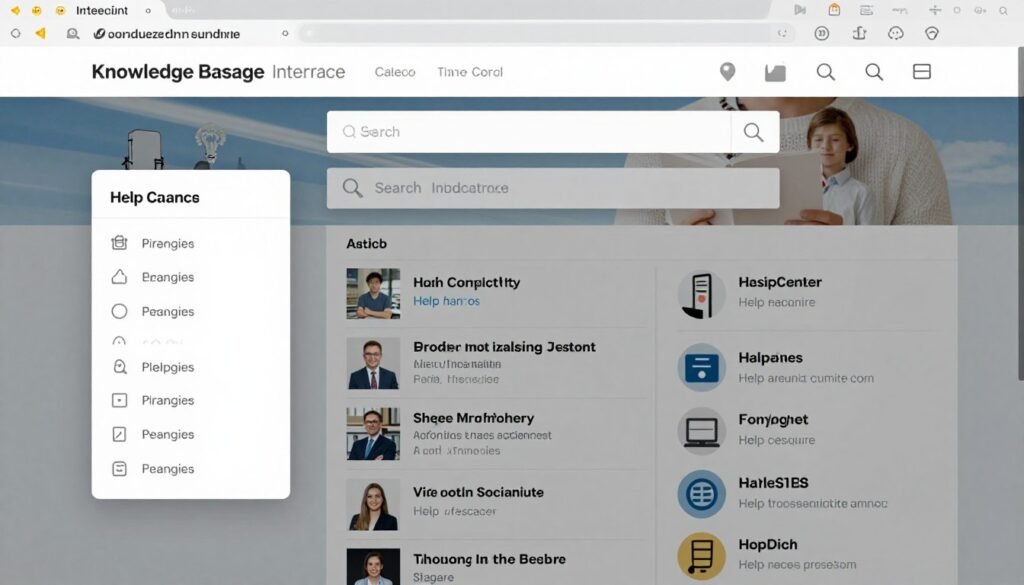
Integration guides provide specific instructions for connecting KlickTipp to popular platforms. These guides include required settings, field mappings, and troubleshooting tips for each integration.
KlickTipp Insights Newsletter
Subscribers to the KlickTipp Insights newsletter receive regular updates about new features, strategic marketing tips, case studies from successful users, and upcoming training topics.
This newsletter keeps users informed about capabilities they might not have discovered on their own, often revealing features that solve problems users didn’t realize the platform could address.
Certified Consultant Network
For businesses wanting expert assistance with strategy, setup, or execution, KlickTipp maintains a network of certified consultants. These professionals have completed advanced training and demonstrated expertise in the platform.
Consultants offer services including account setup and configuration, campaign strategy development, custom automation creation, integration implementation, and training for internal teams.

Working with a certified consultant accelerates results for businesses lacking time or expertise to fully leverage the platform independently. These experts bring experience from numerous implementations across various industries.
Migration Assistance
Switching email platforms can feel daunting, particularly for businesses with large subscriber lists and complex automation. KlickTipp offers free migration assistance to remove this barrier.
The migration team handles technical aspects including contact import from previous platforms, recreation of automation workflows in KlickTipp, form and landing page migration, and integration setup with existing tools.
This white-glove service ensures smooth transitions without data loss, deliverability issues, or disruption to active campaigns. The migration team has experience moving customers from virtually every competing platform.
Switch to KlickTipp Risk-Free
Our migration team handles the entire switch for you at no additional cost. Move your contacts, campaigns, and automation from your current platform with zero downtime. Experience better deliverability and powerful automation without technical headaches.
Real-World Use Cases and Success Stories
Understanding how different businesses apply KlickTipp reveals the platform’s versatility across industries and business models. These examples demonstrate practical applications beyond generic feature descriptions.
Online Course Creators
Digital educators selling online courses use KlickTipp to automate the entire student journey from lead to paying customer to course completion.
A typical automation sequence starts when someone downloads a free lead magnet. The welcome series educates about the problem the paid course solves, shares testimonials from successful students, and addresses common objections. Interested prospects receive an invitation to a free training webinar.
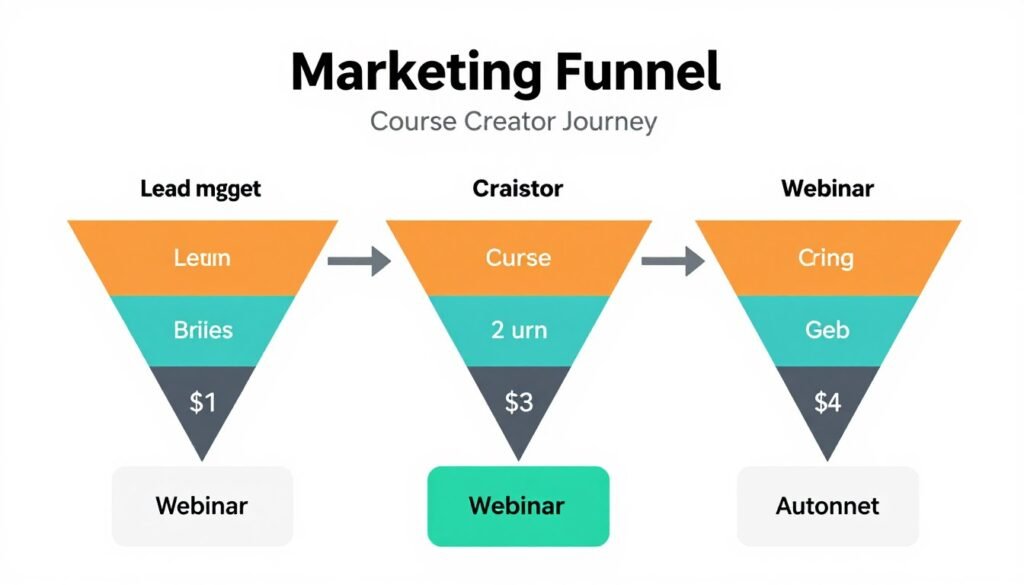
Webinar attendees who don’t purchase receive a follow-up sequence with special offers, payment plan options, and last-chance bonuses. Those who enroll start the onboarding sequence welcoming them to the course community and guiding them through first lessons.
As students complete modules, KlickTipp sends congratulations emails, engagement notifications, and prepares them for the next section. Upon course completion, graduates receive a certificate and promotion for the next level course.
This complete automation means course creators focus on content creation rather than manual email management, while students receive timely, relevant communication throughout their learning journey.
Service-Based Businesses
Consultants, coaches, and professional service providers use KlickTipp to nurture relationships with potential clients over extended sales cycles.
A management consultant might offer a free assessment tool as a lead magnet. Respondents are tagged based on their assessment results, indicating specific business challenges. Different content sequences address each challenge type with relevant case studies and insights.

Engaged prospects who open multiple emails and click through to blog articles receive an invitation to schedule a strategy call. The system automatically books appointments into the consultant’s calendar and sends confirmation and reminder sequences.
After initial consultations, prospects enter customized follow-up sequences based on meeting outcomes. Those ready to proceed receive proposal delivery and contract signing automation. Those needing more time get periodic value-add content keeping the consultant top-of-mind.
Existing clients receive onboarding sequences, project milestone check-ins, and satisfaction surveys. Completed projects trigger requests for testimonials and referrals.
E-Commerce Stores
Online retailers integrate KlickTipp with their shopping platforms to recover abandoned carts, increase repeat purchases, and maximize customer lifetime value.
Cart abandonment sequences begin when someone adds products but doesn’t complete checkout. The first email sends within an hour, reminding about forgotten items with product images and easy return-to-cart links. If no purchase occurs, a second email offers assistance in case technical issues prevented checkout. A third email might include a small discount or free shipping to overcome price objections.
Post-purchase sequences thank customers, provide tracking information, request product reviews, and recommend complementary items based on purchase history. Customers are tagged based on product categories purchased, enabling highly targeted promotional campaigns.
Win-back campaigns target customers who haven’t purchased recently, offering personalized recommendations based on past buying patterns and exclusive comeback discounts.
Event Organizers
Conference organizers, workshop facilitators, and event managers use KlickTipp to maximize attendance and engagement.
Registration triggers a confirmation sequence including event details, speaker information, and venue directions. As the event approaches, reminder emails increase attendance rates while building excitement about what attendees will learn.
SMS reminders send the day before and morning of the event, dramatically reducing no-show rates. During multi-day events, nightly recap emails summarize key takeaways and preview the next day’s agenda.
Post-event sequences thank attendees, deliver promised resources, request feedback surveys, and promote future events. Non-attendees who registered receive recordings or highlights, encouraging attendance at the next event.
Membership Sites and Subscription Businesses
Businesses with recurring revenue models use KlickTipp to reduce churn and increase member engagement.
New members receive comprehensive onboarding sequences highlighting valuable features they might overlook. Regular engagement emails showcase new content, upcoming events, and community highlights to reinforce value perception.
Behavioral triggers identify disengaged members who haven’t logged in recently. Re-engagement campaigns remind them of benefits, offer assistance, and present popular content they missed.
Failed payment automation prevents involuntary churn. When subscriptions fail due to expired cards, automated sequences notify members immediately with easy update links, preventing service interruption from simple oversights.
Cancellation sequences deploy when members attempt to cancel, offering assistance, downgrade options, or pause alternatives before confirming cancellation. Exit surveys gather feedback to improve retention strategies.
Real Estate Professionals
Real estate agents use KlickTipp to nurture leads through lengthy buying and selling cycles.
Home buyers who visit property listing pages are tagged based on viewed neighborhoods, price ranges, and property types. Automated sequences send new listings matching their criteria as properties become available.
Educational content sequences help first-time buyers understand the purchasing process, financing options, and market trends. This positions the agent as a trusted advisor rather than just a property broker.
Sellers receive market updates about their neighborhood, helping them time listing decisions optimally. Automated home valuation reminders prompt them to check current property values, initiating conversations about potential sales.
Past clients enter long-term nurture campaigns with home maintenance tips, local market updates, and annual check-ins. These sequences generate referrals and repeat business when clients eventually need to move again.
“The automated follow-up sequences mean I never lose track of potential buyers. Properties that match their criteria automatically reach them the moment they list. My closing rate increased 30% after implementing proper lead nurturing.” – Markus Schmidt, Real Estate Agent
Advantages and Limitations of KlickTipp
No platform perfectly suits every business. Understanding both strengths and limitations helps make informed decisions about whether KlickTipp aligns with specific needs.
Key Advantages
KlickTipp excels in several areas that matter most to serious email marketers.
Superior deliverability: The 99.78% inbox placement rate consistently outperforms competitors. This fundamental advantage means more campaigns reach their intended audience, directly impacting revenue. German mail servers with excellent sender reputation and proper authentication eliminate most deliverability concerns that plague other platforms.
True GDPR compliance: Processing data exclusively in Germany removes legal uncertainty for European businesses. The included AVV and legal templates save both money and legal consultation time. GDPR compliance transforms from a technical burden into a competitive advantage that builds subscriber trust.
Tag-based contact management: The centralized contact database with tagging eliminates duplicate contact issues common in list-based systems. A single person never receives the same message twice, even when qualifying for multiple campaigns. Segmentation flexibility far exceeds traditional list management, enabling sophisticated targeting impossible with conventional approaches.
All features at all price points: Most competitors reserve advanced features for expensive enterprise plans. KlickTipp includes automation, AI tools, landing pages, and integrations in every package regardless of list size. Small businesses access the same powerful capabilities as large enterprises.
German language support: Native German support including phone assistance, live training, and documentation eliminates language barriers for German-speaking markets. Daily Zoom training provides ongoing education that transforms users into email marketing experts.
Comprehensive integration ecosystem: With 1,009+ integrations, KlickTipp connects to virtually any business tool. Native integrations with major German platforms like Digistore24 and CopeCart specifically serve the German market better than international competitors.
AI-powered features: The AI Copywriter, SmartEnrichment, and SmartContact features leverage machine learning to improve campaign performance and reduce manual work. These capabilities keep KlickTipp competitive as AI becomes central to marketing technology.
Limitations and Considerations
Some aspects of KlickTipp may not suit every user or situation.
Learning curve for advanced features: While basic email sending is straightforward, mastering sophisticated automation requires time investment. The tag-based system differs from traditional list management, requiring conceptual adjustment for users familiar with conventional platforms. However, comprehensive training resources and support mitigate this challenge.
Pricing relative to basic tools: KlickTipp costs more than bare-bones email services that only send newsletters without automation. Businesses needing only simple broadcast emails might find the feature set excessive. However, when comparing capabilities fairly against true automation platforms, KlickTipp’s pricing becomes competitive.
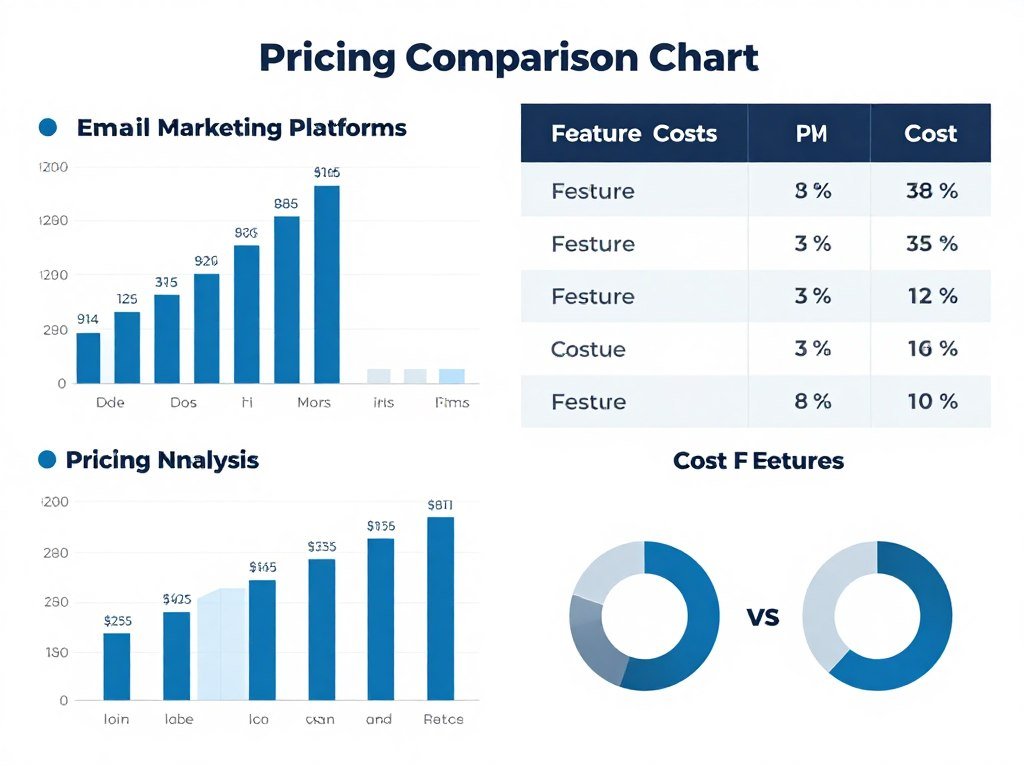
Primary focus on German market: While the interface offers English and the system works globally, the primary focus on German-speaking users means some features, templates, and support resources emphasize German markets. International businesses outside Europe might prefer platforms specifically designed for their regions.
SMS costs are additional: Unlike unlimited email sending, SMS messages require purchasing credits. While this reflects the reality that carriers charge for text delivery, it adds complexity for budgeting multi-channel campaigns.
Template customization requires design skills: While 1,621 templates provide excellent starting points, creating fully custom designs from scratch requires HTML knowledge or hiring designers. The drag-and-drop builder has limitations for complex custom layouts.
No built-in social media posting: KlickTipp focuses exclusively on email and SMS. Businesses wanting to schedule social media posts alongside email campaigns need separate tools or Zapier integration.
Main Advantages
- Industry-leading 99.78% deliverability
- 100% GDPR compliant with German servers
- Tag-based CRM eliminates duplicates
- All features included at every price
- Comprehensive German language support
- 1,009+ integrations with business tools
- AI-powered campaign optimization
- 30-day money-back guarantee
- Free migration assistance
- Daily live training included
- Unlimited email sending
- Advanced automation capabilities
Considerations
- Learning curve for advanced automation
- Higher cost than basic broadcast tools
- Primary focus on German market
- SMS requires additional credit purchase
- Custom templates need design skills
- No native social media management
- Tag-based system differs from lists
- Interface complexity for simple needs
Who Should Choose KlickTipp
Based on these advantages and limitations, KlickTipp particularly suits:
- German-speaking businesses requiring GDPR compliance
- Knowledge entrepreneurs selling courses, coaching, and consulting
- Businesses serious about marketing automation beyond basic newsletters
- Companies wanting to own their audience data independently
- Organizations needing sophisticated segmentation and personalization
- Businesses switching from basic tools to professional automation
- Companies valuing deliverability and inbox placement above all
- Users wanting comprehensive support and training in German
Who Might Consider Alternatives
Conversely, these users might explore other options:
- Businesses needing only simple broadcast newsletters without automation
- Companies primarily serving markets outside Europe
- Organizations requiring native social media management tools
- Teams without time to invest in learning automation capabilities
- Very large enterprises needing specialized enterprise features
- Businesses with extremely tight budgets prioritizing cost over features
How KlickTipp Compares to Alternatives
Understanding KlickTipp’s position relative to competing platforms helps contextualize its strengths and determine fit for specific needs.
KlickTipp vs. Mailchimp
Mailchimp represents one of the most recognized names in email marketing, particularly popular among small businesses and startups.
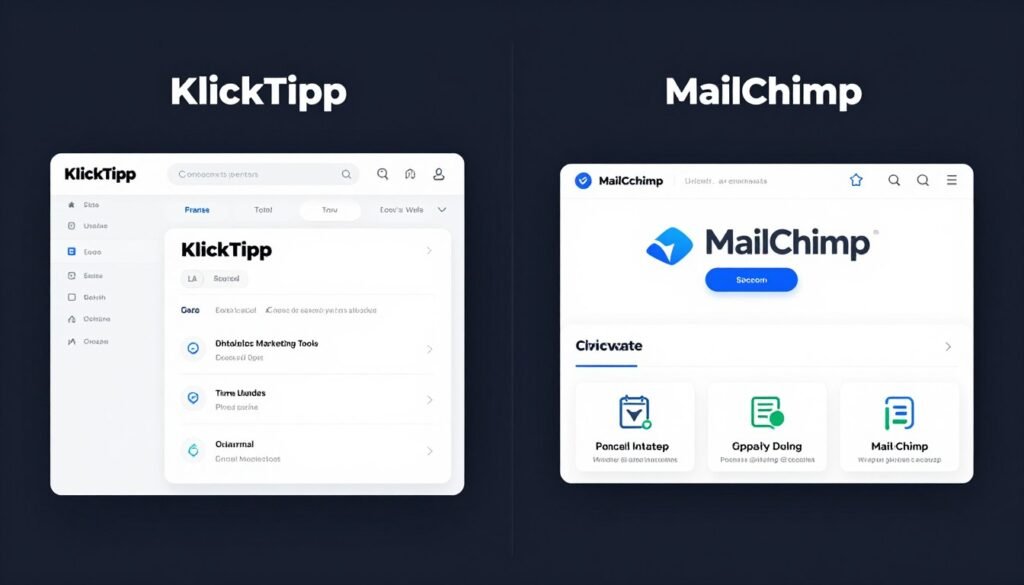
Deliverability: KlickTipp’s 99.78% deliverability significantly exceeds Mailchimp’s industry average rates. Independent tests consistently show KlickTipp achieving superior inbox placement, directly impacting campaign results.
Automation: While Mailchimp offers automation, advanced features require expensive premium plans. KlickTipp includes full automation capabilities at all pricing tiers. The tag-based system provides more flexibility than Mailchimp’s list-based approach.
GDPR compliance: Mailchimp processes data on US servers, creating compliance concerns for European businesses. KlickTipp’s German infrastructure eliminates these issues entirely.
Pricing: Mailchimp’s free plan attracts users, but paid plans become expensive as lists grow and features expand. KlickTipp costs more initially but includes unlimited sending and all features, often providing better value for serious marketers.
KlickTipp vs. ActiveCampaign
ActiveCampaign offers powerful automation features and CRM capabilities, making it a common comparison point.
Automation complexity: ActiveCampaign provides extremely sophisticated automation with complex logic. KlickTipp’s automation is powerful but more accessible to non-technical users. ActiveCampaign suits very advanced users, while KlickTipp balances power with usability.
Language and support: ActiveCampaign primarily serves English-speaking markets. KlickTipp’s German-language support and daily training specifically advantage German-speaking users.
Data location: ActiveCampaign uses US servers. KlickTipp’s German infrastructure provides stronger data protection for European businesses.
Learning curve: ActiveCampaign’s power comes with complexity requiring significant learning investment. KlickTipp provides similar capabilities with a gentler learning curve and more comprehensive training resources.
KlickTipp vs. GetResponse
GetResponse combines email marketing with webinar hosting and landing page creation.
Webinar integration: GetResponse includes native webinar hosting, eliminating need for separate platforms. KlickTipp integrates with webinar tools but doesn’t host them directly. This makes GetResponse attractive for businesses centering strategy on webinars.
Deliverability: KlickTipp’s deliverability rates exceed GetResponse’s industry-average performance. This advantage directly impacts campaign effectiveness.
Tag vs. list management: GetResponse uses traditional list management. KlickTipp’s tag-based system provides more flexibility for complex segmentation.
German market focus: GetResponse serves global markets broadly. KlickTipp’s specific optimization for German-speaking businesses provides advantages in that market including GDPR handling, support language, and local integrations.
KlickTipp vs. AWeber
AWeber represents a long-established player known for reliability and simplicity.
Simplicity vs. power: AWeber prioritizes ease of use, making it accessible for beginners. KlickTipp provides more powerful automation and segmentation capabilities while maintaining reasonable usability.
Deliverability: Both platforms achieve good deliverability, though KlickTipp’s rates slightly exceed AWeber’s average performance.
European data concerns: AWeber uses US infrastructure. European businesses concerned about data sovereignty prefer KlickTipp’s German servers.
Feature depth: AWeber focuses on core email marketing. KlickTipp includes landing pages, SMS, AI features, and more sophisticated automation in standard packages.
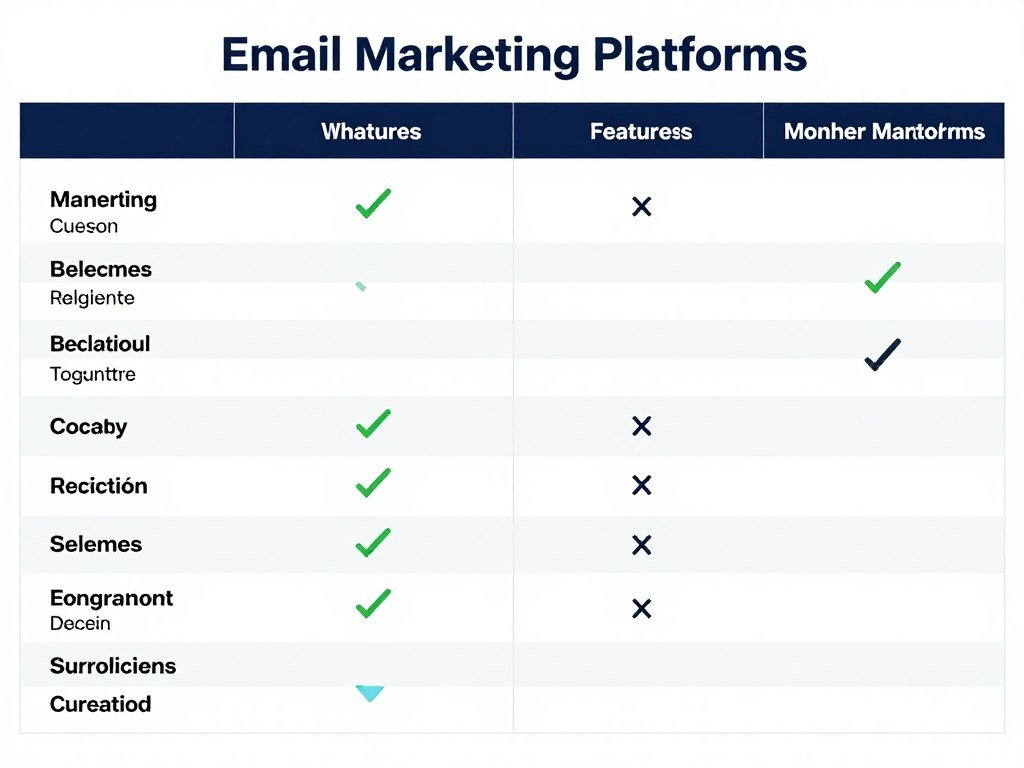
| Feature | KlickTipp | Mailchimp | ActiveCampaign | GetResponse |
| Email Deliverability | 99.78% | ~95% | ~96% | ~96% |
| Server Location | Germany (EU) | USA | USA | USA/Global |
| GDPR Compliance | 100% Native | Certified | Certified | Certified |
| Contact Management | Tag-based | List-based | List + Tags | List-based |
| Marketing Automation | All plans | Premium only | All plans | All plans |
| German Support | Native | Limited | Limited | Available |
| Daily Live Training | Yes | No | Limited | Limited |
| AI Features | Extensive | Basic | Growing | Basic |
| SMS Marketing | Integrated | Add-on | Add-on | Add-on |
| Starting Price | €47/month | Free/$13 | $29/month | $15/month |
Choosing the Right Platform
The “best” email marketing platform depends entirely on specific business needs, goals, and constraints.
Choose KlickTipp if you prioritize deliverability, operate in German-speaking markets, need GDPR compliance with German servers, want sophisticated automation without complexity, value comprehensive support and training, or need all features regardless of list size.
Consider Mailchimp if you need a free plan for minimal sending, want the simplest possible interface, are just starting email marketing, or require extensive third-party app integrations beyond marketing.
Consider ActiveCampaign if you need the most complex automation logic, already have technical marketing expertise, want deep CRM integration, or primarily serve US markets.
Consider GetResponse if webinar hosting is central to your strategy, you want an all-in-one solution including landing pages and webinars, or you need a balance of features at competitive pricing.
Experience the KlickTipp Difference
Compare features side-by-side by testing KlickTipp yourself. See firsthand how superior deliverability, powerful automation, and comprehensive support drive better results. Start your risk-free 30-day trial with full feature access and no credit card required.
Getting Started with KlickTipp
Beginning with any new marketing platform involves several setup steps. Understanding this process helps set realistic expectations and ensures smooth implementation.
Account Creation and Initial Setup
Starting your KlickTipp journey begins with account registration. The process takes just a few minutes and requires only basic information.
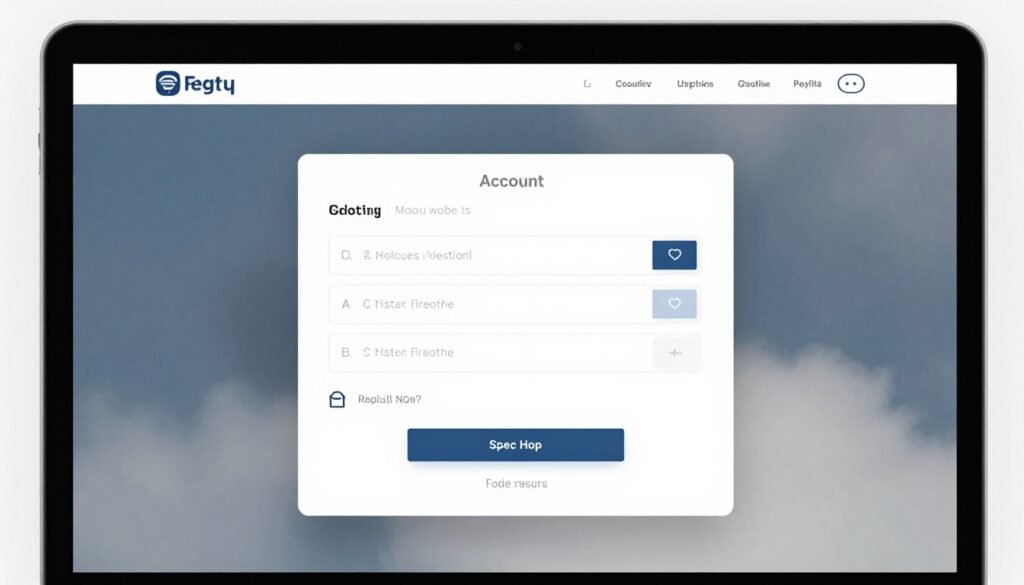
Visit the KlickTipp website and click the trial signup button. Enter your name, email address, and create a password. No credit card is required for the 30-day trial, eliminating any risk of unexpected charges.
After registration, you’ll receive a confirmation email. Click the verification link to activate your account and access the platform.
The initial dashboard presents a setup wizard guiding you through essential configuration steps. This walkthrough ensures you establish a strong foundation before sending your first campaign.
Domain Authentication
Proper domain authentication significantly improves deliverability by proving you own the domains referenced in your emails.
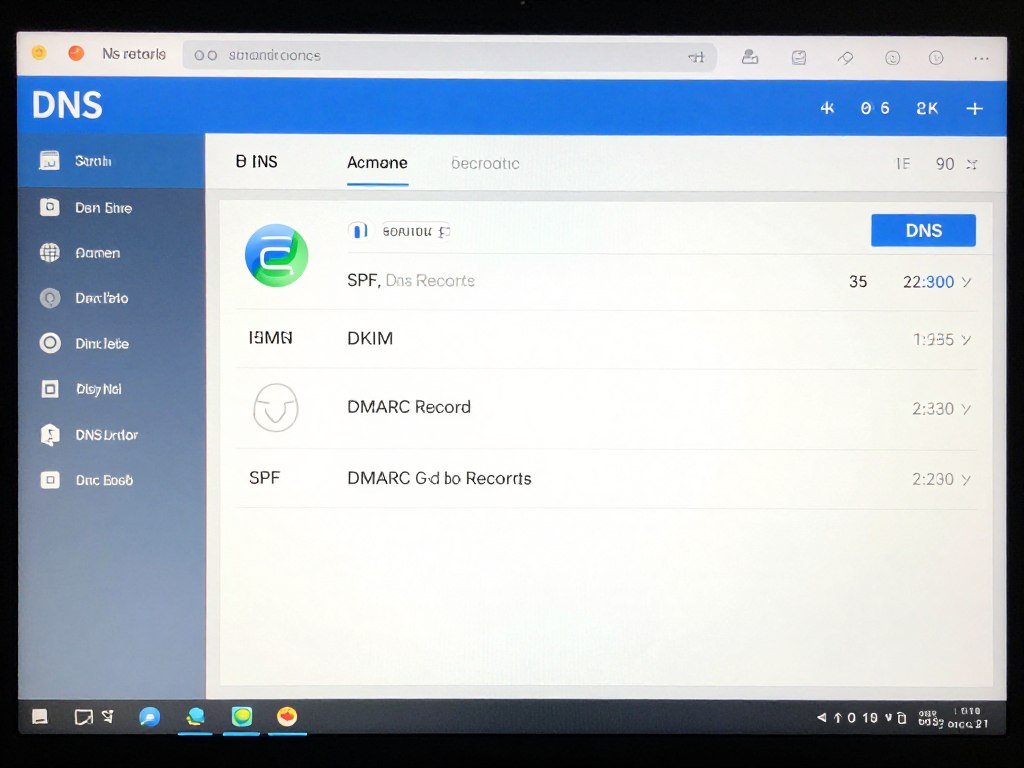
The setup wizard provides specific DNS records to add to your domain settings. These include SPF records authorizing KlickTipp servers to send on your behalf, DKIM records providing cryptographic email signatures, and DMARC policies specifying how to handle authentication failures.
If you’re unfamiliar with DNS settings, KlickTipp’s support team assists with this technical configuration. The investment of 30 minutes in proper authentication pays ongoing dividends through better inbox placement rates.
Importing Existing Contacts
Most businesses already have email lists when adopting KlickTipp. The import process transfers these contacts while maintaining data integrity.
Export your existing list from your previous platform as a CSV file. Clean this data by removing invalid addresses and duplicates before import.
Upload the CSV to KlickTipp, mapping fields to the corresponding contact attributes. The system detects column headers and suggests mappings automatically, though you can adjust these as needed.
Crucially, only import contacts who have explicitly opted in to receive emails. Importing purchased lists or contacts without permission violates anti-spam laws, harms your sender reputation, and will result in account suspension.
For businesses with complex data structures or large lists, the free migration service handles imports professionally, ensuring nothing gets lost in translation.
Creating Your First Email Campaign
With your account configured and contacts imported, you’re ready to send your first campaign.
- Navigate to the campaign builder and select “New Campaign”
- Choose whether to send immediately or schedule for later
- Select your target audience using tags or all contacts
- Design your email using a template or the drag-and-drop builder
- Write compelling subject lines (or use the AI Copywriter for suggestions)
- Preview how the email appears across different devices and email clients
- Send a test email to yourself to verify everything displays correctly
- Review the spam score and make recommended improvements
- Schedule or send your campaign
- Monitor results in real-time through the analytics dashboard
Building Your First Automation
Automation transforms one-time manual tasks into repeatable systems. Even simple automation provides significant value.
A welcome sequence represents an ideal first automation project. When someone joins your list, they immediately receive a series of emails over several days introducing your business, sharing valuable content, and building the relationship.
Create a new automation in the campaign builder. Set the trigger to “Tag added” and specify the tag applied when someone opts in. Add email steps with appropriate delays between each message. Each email should have a clear purpose and provide value rather than just promotional content.
Test your automation thoroughly by adding the trigger tag to a test contact and verifying all emails send at the correct times with proper personalization.
Designing Effective Opt-In Forms
Growing your list requires capturing visitor information. KlickTipp’s form builder creates conversion-optimized forms embedded on your website or hosted on dedicated landing pages.
Start with a template matching your use case. Customize colors, fonts, and imagery to match your brand. Keep forms simple, requesting only essential information. Each additional field reduces conversion rates.
Write benefit-focused copy explaining what subscribers receive in exchange for their email address. “Get updates” is weak. “Receive weekly marketing strategies that helped 500+ businesses double their revenue” creates desire.
Configure the confirmation page that displays after submission. This immediate acknowledgment should thank subscribers and set expectations about what they’ll receive and when.
Set up the double opt-in confirmation email for GDPR compliance. This email should clearly explain what subscribers are confirming and include an obvious confirmation button.
Utilizing Daily Training Sessions
One of KlickTipp’s most valuable resources is the daily live training. Taking advantage of these sessions accelerates your learning curve dramatically.
Check the training schedule and add relevant sessions to your calendar. Beginner sessions run daily, perfect for new users tackling initial setup and basic campaign creation.
Come prepared with specific questions. While trainers cover scheduled topics, they also address attendee questions, making sessions interactive and immediately applicable to your situation.
Implement what you learn immediately. Applying concepts right after training cements understanding and builds momentum.
First Month Success Plan
A structured approach to your first 30 days maximizes trial value and builds solid foundations for long-term success.
Week 1: Complete account setup, authenticate your domain, import contacts, attend beginner training, send your first broadcast campaign.
Week 2: Create your welcome automation sequence, design and embed opt-in forms on your website, set up your first landing page, experiment with the AI Copywriter.
Week 3: Implement advanced segmentation using tags, create a multi-step automated funnel, integrate KlickTipp with your key business tools, attend specialized training on your industry or use case.
Week 4: Analyze campaign performance and refine strategies, set up A/B tests for optimization, create templates for recurring campaigns, develop your long-term automation strategy.
By month’s end, you’ll have a working email marketing system generating results and a clear picture of how KlickTipp fits your business needs.
Email Marketing Best Practices with KlickTipp
Maximizing results from any email marketing platform requires following proven strategies and avoiding common pitfalls. These best practices help you leverage KlickTipp’s capabilities effectively.
List Building and Growth Strategies
Your email list represents your most valuable marketing asset. Growing it with quality subscribers should be an ongoing priority.
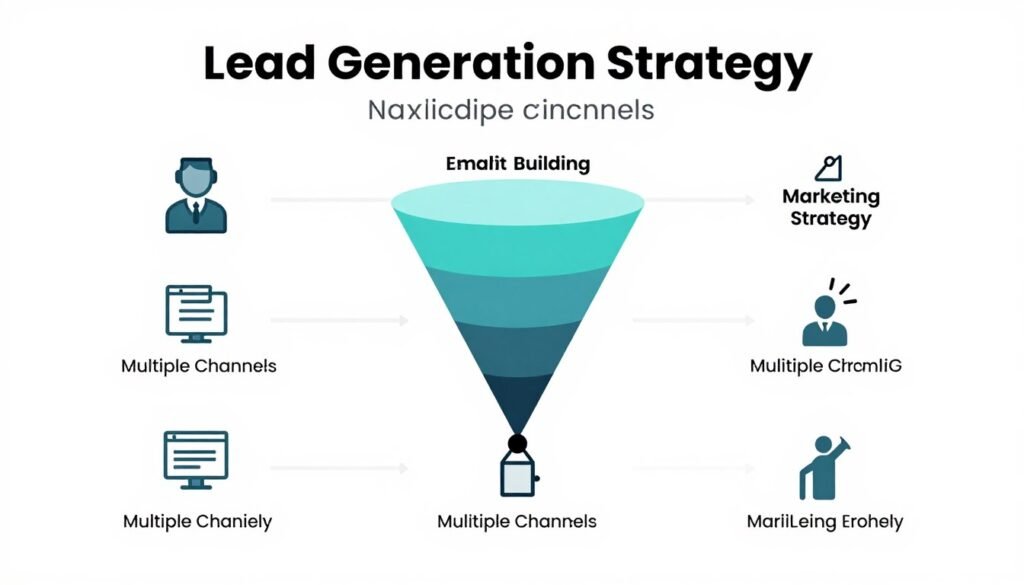
Offer compelling lead magnets: People trade their email addresses for perceived value. Create specific, valuable resources addressing your audience’s pain points. “Marketing tips” is vague. “The 47-Point Marketing Automation Checklist That Increased Our Revenue by 347%” creates specific value expectation.
Use multiple capture points: Don’t rely on a single opt-in form. Place forms in your website header, footer, sidebar, blog posts, and as exit-intent popups. Create dedicated landing pages for different lead magnets targeting specific audience segments.
Implement content upgrades: Offer bonus content related to specific blog posts. Someone reading about email deliverability might download a “Complete Email Deliverability Checklist” available only via email opt-in. These contextual offers convert exceptionally well because they match immediate interests.
Leverage offline opportunities: Use KlickTipp’s Business Card Reader Pro at conferences, trade shows, and networking events. Digital capture of business cards triggers automated follow-up while conversations are fresh.
Create referral incentives: KlickTipp’s email recommendation marketing feature enables existing subscribers to refer others. Offer incentives for successful referrals, turning your list into a growth engine.
Segmentation and Personalization
Generic one-size-fits-all messaging underperforms. The tag-based system enables sophisticated segmentation creating highly relevant communications.
Tag behavioral indicators: Track actions like email opens, link clicks, website visits, and content downloads. These behaviors reveal interests and engagement levels, enabling targeted follow-up.
Implement progressive profiling: Rather than asking for all information upfront, gradually learn more about contacts over time. Each interaction adds tags revealing preferences, challenges, and readiness to buy.
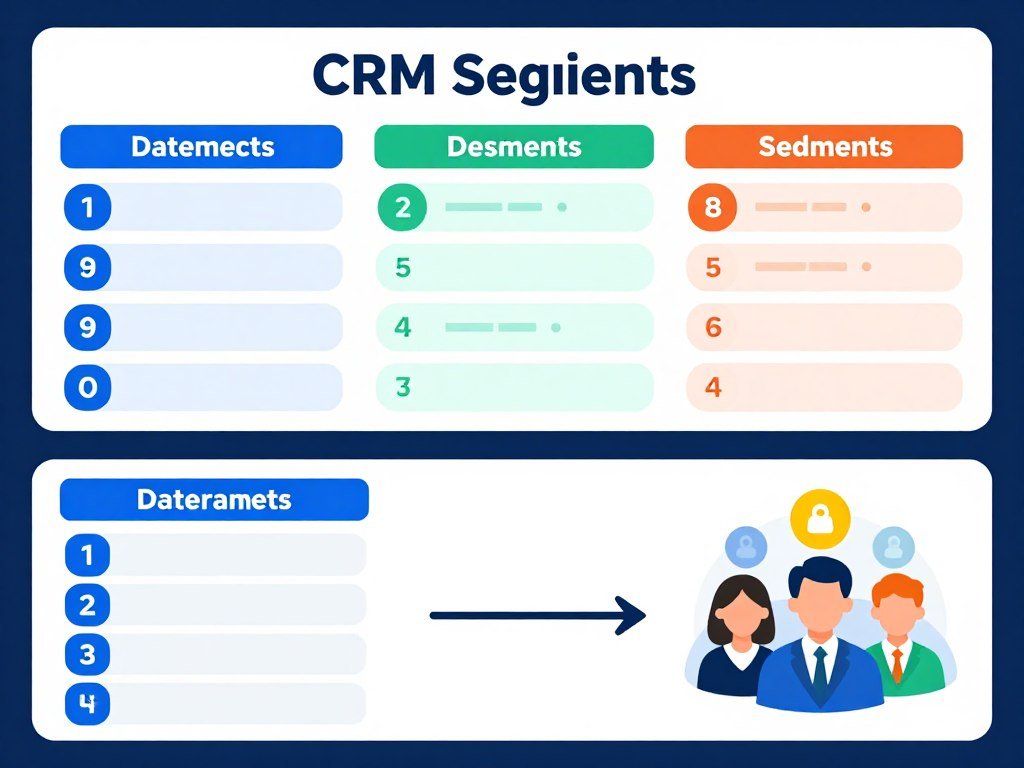
Create buyer journey stages: Tag contacts based on where they are in your funnel: awareness, consideration, decision, customer, advocate. Different stages receive different content matching their needs and readiness.
Use dynamic content blocks: Display different email content to different segments within the same campaign. Early-stage prospects see educational content while customers see advanced tips and upsell offers.
Personalize beyond names: While including recipient names helps, deeper personalization based on tags creates more impact. Reference specific interests, past purchases, or content they consumed.
Email Copywriting for Conversions
Technical capability means nothing without compelling content that motivates action.
Write benefit-focused subject lines: Your subject line determines whether emails get opened. Focus on the benefit readers receive rather than features you offer. “New Product Launch” is feature-focused. “Finally: The Solution to Your Biggest Marketing Problem” is benefit-focused.
Start with the most important information: Attention spans are short. Lead with your key message or most compelling point. Don’t bury important content after paragraphs of preamble.
Use conversational tone: Write like you’re talking to a friend, not reading from a corporate manual. Contractions, occasional fragments, and direct address create connection.
Include clear calls-to-action: Every email should have a purpose and a clear next step. Make it obvious what you want readers to do: “Download the guide,” “Register for the webinar,” “Shop the sale.” Ambiguity kills conversions.
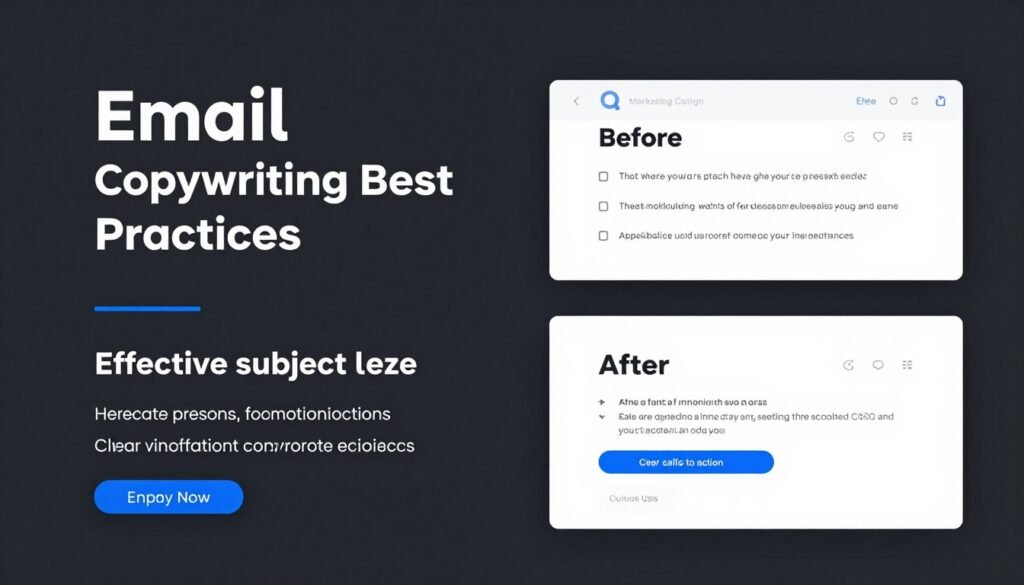
Optimize email length: Neither short nor long emails universally perform better. Length depends on context and audience. Promotional emails might be brief while educational content can be longer. Test different lengths and let data guide decisions.
Break up text for readability: Short paragraphs, bullet points, subheadings, and white space make emails scannable. Dense text blocks discourage reading.
Timing and Frequency Optimization
When and how often you email significantly impacts results.
Test send times: General best practices suggest mornings on weekdays, but your audience might differ. Use KlickTipp’s A/B testing to compare performance of campaigns sent at different times.
Respect time zones: For audiences spanning multiple time zones, segment sending so emails arrive at appropriate local times rather than blasting everyone simultaneously.
Maintain consistent frequency: Whether you send daily, weekly, or monthly, consistency sets expectations. Erratic sending patterns confuse subscribers and reduce engagement.
Don’t fear “too much” email: Quality matters more than quantity. If every email provides value, subscribers welcome frequent communication. Worried about over-sending? Include frequency preferences in your subscription center.
Re-engage inactive subscribers: Create campaigns targeting contacts who haven’t opened recent emails. Offer valuable content or ask if they want to continue receiving emails. This identifies truly interested subscribers while maintaining list health.
Deliverability Maintenance
Even with KlickTipp’s excellent infrastructure, sender behavior impacts deliverability.
Clean your list regularly: Remove hard bounces immediately and addresses that haven’t engaged in 6-12 months. Sending to disengaged contacts harms sender reputation.
Make unsubscribing easy: Every email must include a clear unsubscribe link. While counterintuitive, easy unsubscribing protects deliverability by removing unwilling recipients who otherwise might mark emails as spam.
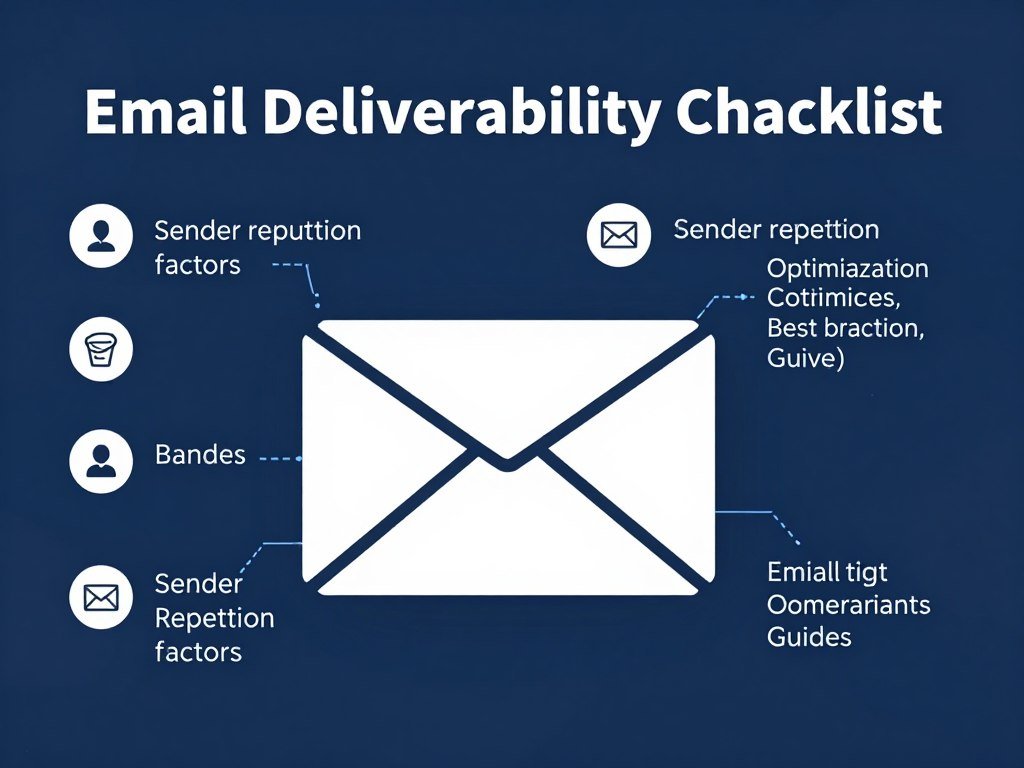
Monitor engagement metrics: Watch for declining open or click rates signaling potential deliverability issues. Address problems early before they compound.
Avoid spam trigger words: While not as critical as in the past, certain words still raise red flags: “free,” “guarantee,” “limited time,” excessive exclamation points. KlickTipp’s spam score checker identifies problematic content before sending.
Maintain consistent sending patterns: Sudden volume spikes trigger spam filters. If you normally send 10,000 emails weekly, don’t suddenly send 100,000 without gradually warming up to higher volumes.
Compliance and Legal Considerations
Beyond GDPR, several laws govern email marketing.
Obtain explicit consent: Only email people who explicitly opted in to receive your messages. Purchased lists, scraped contacts, and assumed consent violate laws and harm deliverability.
Include required information: Every commercial email must contain your physical mailing address, a clear unsubscribe mechanism, and honest subject lines that accurately reflect content.
Honor unsubscribe requests immediately: Process opt-outs within 10 business days (many laws require this). KlickTipp automates this process, but never try to convince people to stay subscribed after they’ve requested removal.
Respect data subject rights: Under GDPR, individuals can request their data, corrections, or deletion. Have processes in place to fulfill these requests promptly.
Document consent: Keep records of when and how each person opted in. KlickTipp automatically logs this information, providing audit trails if questions arise.
Compliance Protects Your Business: Following email marketing laws isn’t just about avoiding fines. It builds trust with subscribers, improves deliverability, and creates sustainable marketing practices that grow your business long-term.
Frequently Asked Questions About KlickTipp
Is KlickTipp suitable for beginners with no email marketing experience?
Yes, KlickTipp accommodates beginners while providing power for advanced users. The platform offers daily live training sessions specifically for newcomers, comprehensive documentation, and an intuitive interface. The setup wizard guides you through initial configuration, and pre-designed templates eliminate the need for design or coding skills. While advanced automation features have a learning curve, basic email sending and simple automation sequences are straightforward even for complete beginners.
How does KlickTipp’s tag-based system differ from traditional email lists?
Traditional platforms organize contacts into separate lists, often resulting in the same person appearing in multiple lists and receiving duplicate emails. KlickTipp uses a single contact database where each person exists only once. Instead of list memberships, contacts receive tags describing their interests, behaviors, and characteristics. This approach eliminates duplicates, enables unlimited segmentation combinations, and ensures no one receives the same message twice even when qualifying for multiple campaigns. Tags can be added or removed automatically based on actions, creating dynamic segmentation impossible with static lists.
What makes KlickTipp’s email deliverability rates so high compared to competitors?
KlickTipp achieves 99.78% deliverability through several factors: dedicated mail servers in Germany with excellent sender reputation, comprehensive implementation of authentication protocols (DKIM, SPF, DMARC), automated list hygiene removing invalid addresses and spam traps, engagement-based sending prioritizing active subscribers, content scanning to identify spam triggers before sending, and proactive monitoring of sender scores. The platform also maintains whitelist relationships with major email providers, ensuring smooth delivery to Gmail, Outlook, and other popular services.
Is KlickTipp truly 100% GDPR compliant?
Yes, KlickTipp is fully GDPR compliant with all data processing occurring exclusively on servers located in Germany. The platform includes a free Data Processing Agreement (AVV) required under GDPR, privacy policy templates written by data protection lawyers, comprehensive consent tracking documenting how and when each subscriber opted in, tools to fulfill data subject rights (access, rectification, erasure, portability), and security measures protecting personal data. Data protection expert Rechtsanwalt Dr. iur. Stephan Gärtner confirms KlickTipp’s complete GDPR compliance.
Can I migrate my existing email list from another platform to KlickTipp?
Yes, and KlickTipp offers free migration assistance. You can import contacts yourself via CSV upload, or the migration team will handle the entire process including contact transfer, automation recreation, form and landing page setup, and integration configuration. The service ensures no data loss and maintains deliverability during the transition. The team has experience migrating from virtually every competing platform. This white-glove service removes technical barriers preventing businesses from switching to more effective email marketing.
How much do SMS messages cost with KlickTipp?
SMS messages require purchasing credits separately from your subscription since mobile carriers charge for text delivery. Pricing varies by destination country and volume, with bulk purchase discounts available. German SMS typically cost between €0.06-€0.09 per message depending on volume. International rates vary. The platform displays current pricing when you purchase credits, and you can set spending limits to control costs. While SMS isn’t unlimited like email, the targeted nature of text messaging often provides excellent ROI for time-sensitive communications.
Does KlickTipp integrate with my existing business tools?
KlickTipp offers over 1,009 integrations covering most popular business tools. Native integrations exist for major e-commerce platforms (Shopify, WooCommerce), payment processors (Stripe, PayPal, Digistore24), webinar platforms (Zoom, WebinarJam), course platforms (Teachable, Kajabi), and many others. For tools without native integration, Zapier and Make provide connections to thousands of additional applications. The comprehensive API enables custom integrations for specialized needs. The integration library continues expanding as new platforms emerge.
What happens if I exceed my subscriber limit?
When your contact count approaches your plan limit, KlickTipp notifies you in advance. You can upgrade to the next tier to accommodate growth, ensuring uninterrupted service. Upgrades take effect immediately, and you only pay the prorated difference for the remainder of your billing period. The platform doesn’t suddenly stop working or delete contacts if you slightly exceed limits. This flexible approach supports natural list growth without creating artificial barriers to business expansion.
Can I use KlickTipp for my business if I’m located outside Germany?
Yes, KlickTipp works globally and supports customers worldwide. While the platform focuses on German-speaking markets, the interface offers English and functionality works everywhere. Businesses outside Germany benefit from the same features, deliverability, and support. The German server location actually advantages any business with European customers due to GDPR compliance. However, businesses primarily serving non-European markets might prefer platforms specifically optimized for their regions, particularly regarding local integrations and market-specific features.
How long does it take to see results from KlickTipp?
Results timing varies by business type and existing email marketing maturity. Businesses new to email marketing might see initial results within days as they start communicating with their audience consistently. Companies switching from other platforms with deliverability issues often notice immediate improvement in open and click rates. Building sophisticated automation delivers compounding results over months as systems run continuously. Most users report measurable improvement in engagement and conversions within the first 30-60 days of proper implementation, with results accelerating as they master advanced features.
What kind of support is available if I encounter problems?
KlickTipp provides comprehensive support through multiple channels: German-language email support with typical response times of a few hours during business days, phone support for urgent issues requiring immediate assistance, AI chatbot KAI available 24/7 for instant answers to common questions, daily live training sessions on Zoom addressing various topics, extensive knowledge base with hundreds of articles and video tutorials, and a network of certified consultants for strategic assistance. The combination ensures help is available regardless of your learning style or urgency level.
Can I cancel my KlickTipp subscription if it doesn’t meet my needs?
Yes, you can cancel anytime without penalty. The 30-day money-back guarantee provides a full refund if you’re unsatisfied within the first month. After that, you can cancel at any time, with service continuing through the end of your paid period. There are no long-term contracts or cancellation fees. Upon cancellation, you can export your contact data to take with you, maintaining ownership of your list. This flexibility reflects confidence in the product and removes risk from your purchasing decision.
Is KlickTipp the Right Email Marketing Platform for Your Business?
Email marketing remains one of the most effective channels for building customer relationships and driving revenue. Yet many businesses struggle with platforms that either lack necessary features or overwhelm with unnecessary complexity.
KlickTipp addresses this challenge by combining powerful automation capabilities with user-friendly interfaces, comprehensive support, and industry-leading deliverability. The platform particularly excels for German-speaking businesses requiring GDPR compliance, knowledge entrepreneurs building automated funnels, and companies serious about owning their audience data.
The tag-based contact management system eliminates duplicate issues plaguing list-based platforms while enabling sophisticated segmentation. AI-powered features like the Copywriter and SmartEnrichment reduce manual work while improving results. The 99.78% deliverability rate ensures your carefully crafted messages actually reach recipient inboxes.
Perhaps most importantly, KlickTipp provides genuine support through daily live training, German-language assistance, and free migration services. This human element transforms the platform from mere software into a partner in your marketing success.
The 30-day risk-free trial with no credit card required removes barriers to evaluation. You can test every feature with real campaigns, experiencing actual performance rather than demo limitations. The money-back guarantee extends this risk-free period, ensuring complete satisfaction before long-term commitment.
No single platform perfectly fits every business. However, for entrepreneurs and businesses valuing deliverability, automation power, GDPR compliance, and comprehensive support, KlickTipp deserves serious consideration.
Key Takeaways
- 99.78% deliverability ensures messages reach inboxes
- 100% GDPR compliant with German server infrastructure
- Tag-based CRM eliminates duplicate contacts
- All features included regardless of pricing tier
- AI-powered tools improve campaign performance
- 1,009+ integrations connect your business tools
- Daily live training accelerates mastery
- German support via email, phone, and chat
- Free migration assistance removes switching friction
- 30-day trial with money-back guarantee
Your email list represents your most valuable marketing asset because you own it completely. Social media platforms can change algorithms or shut down. Search engines can alter rankings overnight. Your email list remains yours regardless of external changes.
KlickTipp helps you build, nurture, and monetize this asset through intelligent automation that works continuously while you focus on other aspects of your business. The platform transforms sporadic manual email sending into systematic relationship-building that generates predictable results.
Start Your KlickTipp Journey Today
Experience why 1,633+ businesses trust KlickTipp with their email marketing. Test every feature with real campaigns during your 30-day risk-free trial. No credit card required. No obligations. Just powerful email marketing that delivers results.
Join thousands of successful entrepreneurs using KlickTipp to automate their marketing and grow their businesses. German servers, GDPR compliance, and expert support included.