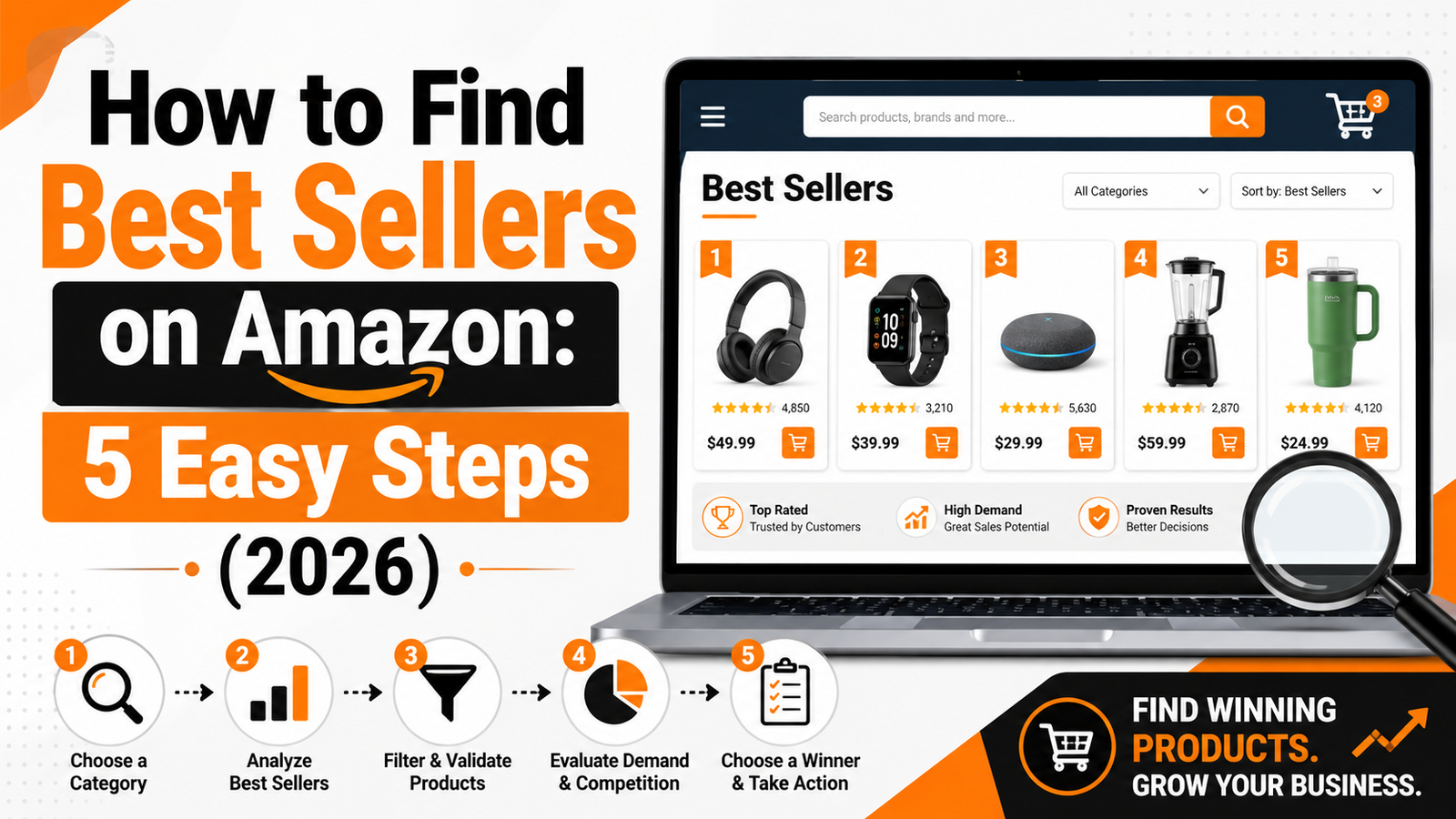
How to find Best sellers on Amazon is a massive online marketplace with countless products available for purchase. If you’re interested in finding the bestsellers, whether for shopping or research, here’s a step-by-step guide to help you navigate the platform efficiently.
Table of Contents
Step 1: Visit the Amazon Homepage
Start by opening your web browser and going to https://www.amazon.com/. Ensure you’re logged into your account for a personalized experience, though it’s not necessary to view bestsellers.
Step 2: Locate the “Best Sellers” Section
Amazon has a dedicated section for bestsellers, updated hourly. Here’s how you can find it:
Hover Over or Click “All”: On the top-left corner of the homepage, you’ll find a menu labeled “All” or an icon with three horizontal lines. Click on it to expand the full menu.
Select “Best Sellers”: From the drop-down menu, look for “Best Sellers.” This link will take you directly to Amazon’s Best Sellers page.
Step 3: Browse Categories
Once on the Best Sellers page, you can explore different categories to narrow down your search:
Main Categories: At the top of the Best Sellers page, you’ll see a list of main categories such as Books, Electronics, Fashion, etc. Click on any category that interests you.
Subcategories: After selecting a main category, you’ll often find subcategories. For example, under Books, you might see Fiction, Non-Fiction, Children’s Books, etc.
Step 4: Analyze the Bestseller Lists
When you choose a category or subcategory, you’ll see a list of the current bestsellers in that section. Here’s how to make the most of this information:
Rankings: Each product is ranked. The top spot is the number one bestseller in that category.
Product Details: Click on any product to see more details, read customer reviews, and check ratings.
Additional Information: Look for “Customers Also Bought” or “Frequently Bought Together” sections for related product recommendations.
You can also learn how the Amazon Best Sellers Rank works and how it indicates a product’s popularity within its category.
Step 5: Utilize Filters and Search
If you’re searching for bestsellers with specific attributes, use the search bar and filters:
Search Bar: Enter keywords related to the product you’re interested in, followed by “bestseller” to view top-ranked items.
Filters: Use filters such as price range, brand, and customer ratings to refine your search results.
Tips for Finding Bestsellers
Check Regularly: Bestseller lists are updated hourly, so check back often for the most current rankings.
Look for “Amazon’s Choice”: While not the same as bestsellers, products labeled as “Amazon’s Choice” are highly rated, well-priced, and available to ship immediately.
Read Reviews: Customer reviews can provide insights into why a product is popular and whether it meets your needs.
By following these steps, you can easily find the bestsellers on Amazon and make informed purchasing decisions. Happy shopping!
Frequently Asked Questions
1. How do I find best sellers on Amazon?
Visit Amazon, open the All menu, and select Best Sellers. You can then browse top-selling products across categories such as electronics, books, fashion, beauty, home, and toys.
2. Where is the Amazon Best Sellers page?
The Amazon Best Sellers page is available through the main navigation menu. Click the three-line All menu on the Amazon homepage and choose Best Sellers.
3. How often does Amazon update its Best Sellers list?
Amazon generally updates its Best Sellers rankings frequently, often every hour. Product positions can change based on recent sales activity and customer demand.
4. What does the number-one best seller badge mean on Amazon?
The number-one best seller badge means that the product currently holds the highest sales rank in a particular Amazon category or subcategory.
5. Is Amazon’s Choice the same as a best seller?
No. An Amazon Best Seller is ranked mainly according to sales performance within a category. Amazon’s Choice is a separate label used for selected products that may offer strong ratings, competitive pricing, and convenient availability.
6. How can I find best-selling products in a specific category?
Open the Amazon Best Sellers page and select a main category. You can then choose a subcategory to view more specific products, such as laptops, kitchen appliances, children’s books, or skincare products.
7. Can I use Amazon search to find best sellers?
Yes. Enter the product name followed by words such as best seller, top rated, or most popular. You can also use filters for price, brand, customer rating, delivery, and availability.
8. Are all Amazon best sellers good products?
Not necessarily. A high sales rank shows that a product is selling well, but it does not guarantee that it is suitable for every buyer. Check ratings, recent reviews, product specifications, return policies, and seller details before purchasing.
9. How do I check a product’s Best Sellers Rank on Amazon?
Open the product page and scroll to the product information or additional details section. Look for Best Sellers Rank, which may display the product’s position in one or more categories.
10. Why do Amazon bestseller rankings change?
Rankings may change because of recent sales, seasonal demand, discounts, promotions, product launches, availability, and changing customer preferences.
11. Can I find trending products through Amazon Best Sellers?
Yes. Amazon Best Sellers can help you identify products that are currently popular. You can also check related sections such as Movers and Shakers, New Releases, and Most Wished For to discover emerging trends.
12. Should I rely only on reviews when buying an Amazon best seller?
No. Reviews are helpful, but you should also compare the price, specifications, warranty, seller reputation, return policy, delivery time, and recent customer feedback before making a decision.
Visit the official Amazon Best Sellers page to explore the most popular products across different categories.Sellers conducting product research can also use the Amazon Product Opportunity Explorer to study customer demand, trends and potential product opportunities.
Read More
- A Product Reviews: Your Guide to Building Trust and Boosting Sales
- AI 360° Bespoke Training Solutions: Transform Your Business Operations
- Amazon Best Sellers Books : Your Ultimate Guide to Top Reads
- Amazon Best Sellers: Your Ultimate Guide to Top-Rated Products
- Artificial Intelligence: Unlocking the Future
- How to Make Money on Fiverr in 2026: Beginner’s Step-by-Step Guide
- Immigration Laws in USA: Your Complete Guide to Understanding and Navigating the System
- KlickTipp Review 2026: Best E-Mail Newsletter, SMS & Marketing Automation Tool
- Magnesium Glycinate Benefits, Dosage & Best Time to Take It
- Product Reviews and Ratings
- Sanjay Gupta: The Neurosurgeon Who Became America’s Trusted Medical Voice
- The Brain Song: Activate Your Brainwaves For A Sharper, Healthier Mind
- Top 10 Most Selling Popular Products in India: A Complete Market Analysis for 2026
- what are the weird symptoms of the new covid variant 2026.
- What Does Amazon Bestsellers Rank Mean? Complete Guide to Avoid Costly Mistakes (2026)
More : About How to Find Best Sellers on Amazon
1. Amazon’s Official Best Sellers Page https://www.amazon.com/Best-Sellers/zgbs
Use when explaining Step 1 (browsing the main Best Sellers hub) — this is the actual live page you’d tell readers to visit.
2. Amazon’s Official Explanation of Best Sellers Rank (BSR)https://www.amazon.com/gp/help/customer/display.html?nodeId=GGGMZK378RQPATDJ — Amazon’s own customer service page explains that the Best Sellers calculation is based on Amazon sales, updated frequently, and reflects recent and historical sales of every item sold on Amazon.
Perfect for a step explaining “what BSR actually means” — straight from the source. Amazon
3. Amazon New Releases Pagehttps://www.amazon.com/gp/new-releases
Useful if one of your steps covers “trending/new bestsellers” vs. established ones.
4. Amazon International Best Sellershttps://www.amazon.com/b?ie=UTF8&node=17938598011
Good if you have a step about checking bestsellers across different Amazon marketplaces (useful for Indian readers checking US trends too).
5. Seller Assistant Blog – Amazon Top Sellers Guidehttps://www.sellerassistant.app/blog/amazon-top-sellers/ — a third-party breakdown explaining that Amazon groups Best Sellers by category (Books, Electronics, Kitchen & Dining, Toys & Games, etc.), with 100 products selected as Best Sellers per category, and that a product typically needs a BSR under a certain threshold and strong reviews to qualify.
Good supporting/secondary source for a step on “how Amazon decides what’s a bestseller.”